Rhythmic Vocal Sequences With iWish
Watch the full breakdown
Infected Mushroom iWish lets you play a vocal sample like a synth: trigger it from MIDI, pitch it across the keyboard, and warp its formants. That makes it perfect for the syncopated, rhythmic vocal sequences that sit so well in psytrance.
In the video Psiger sets up iWish from scratch, syncs it to the grid, and builds risers and transitions with delay and pitch tricks. Here are the key steps.
- iWish turns a vocal sample into a MIDI-playable, pitched instrument.
- Pick a clean vocal source. It sets the ceiling for the whole sequence.
- Route MIDI so each note plays the vocal at a different pitch.
- Adjust pitch and formant separately to keep vocals natural or deliberately warped.
- Quantize the vocal tightly to the grid so it locks with the drums.
- Use delay, sweeps and pitch-up effects to build risers and transitions from the same patch.
Grab the Mushroom vocal FX chain so you have a ready processing rack for your vocal sequences.
Download the free Mushroom vocal FX chainChoose and prepare the vocal sample
▶ Play from 0:38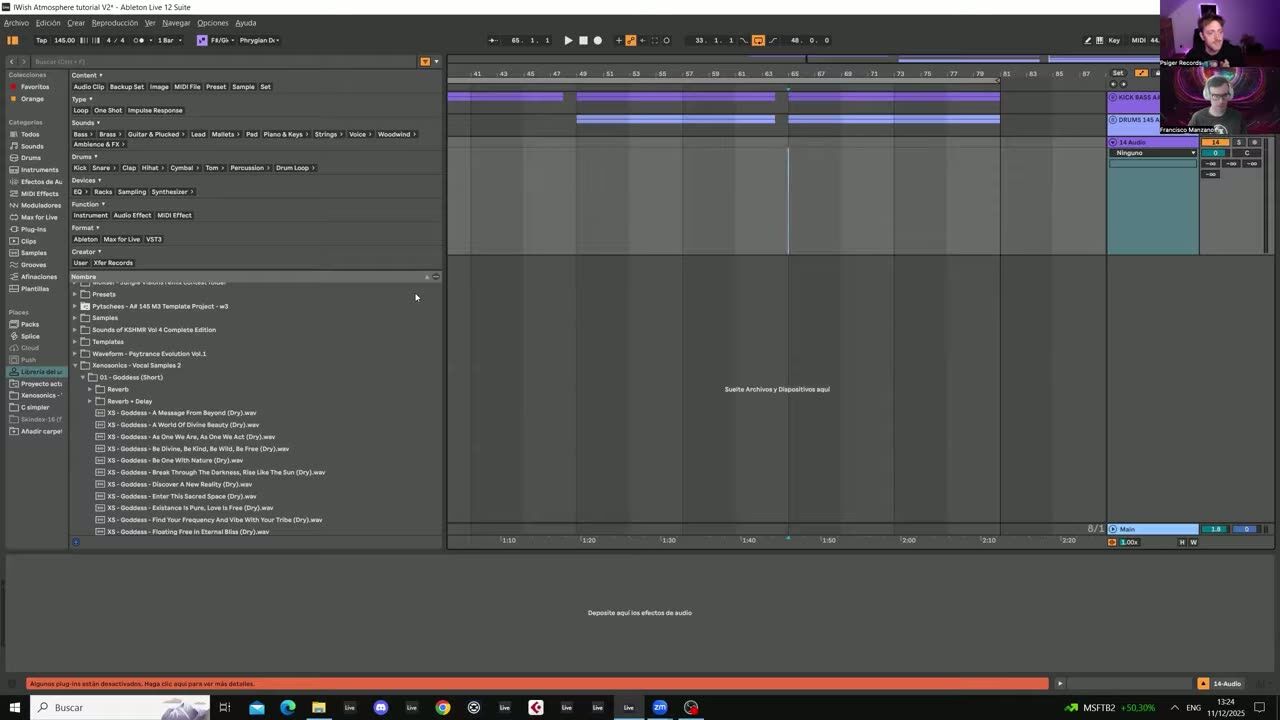
Start by picking a vocal sample and preparing it for iWish. A clean, clear source works best because everything downstream, pitch, formant, rhythm, is easier when the raw material is good. Trim it to the useful part before loading.
Good source in, good sequence out. This choice sets the ceiling for the whole patch.
Set up MIDI routing for iWish
▶ Play from 1:13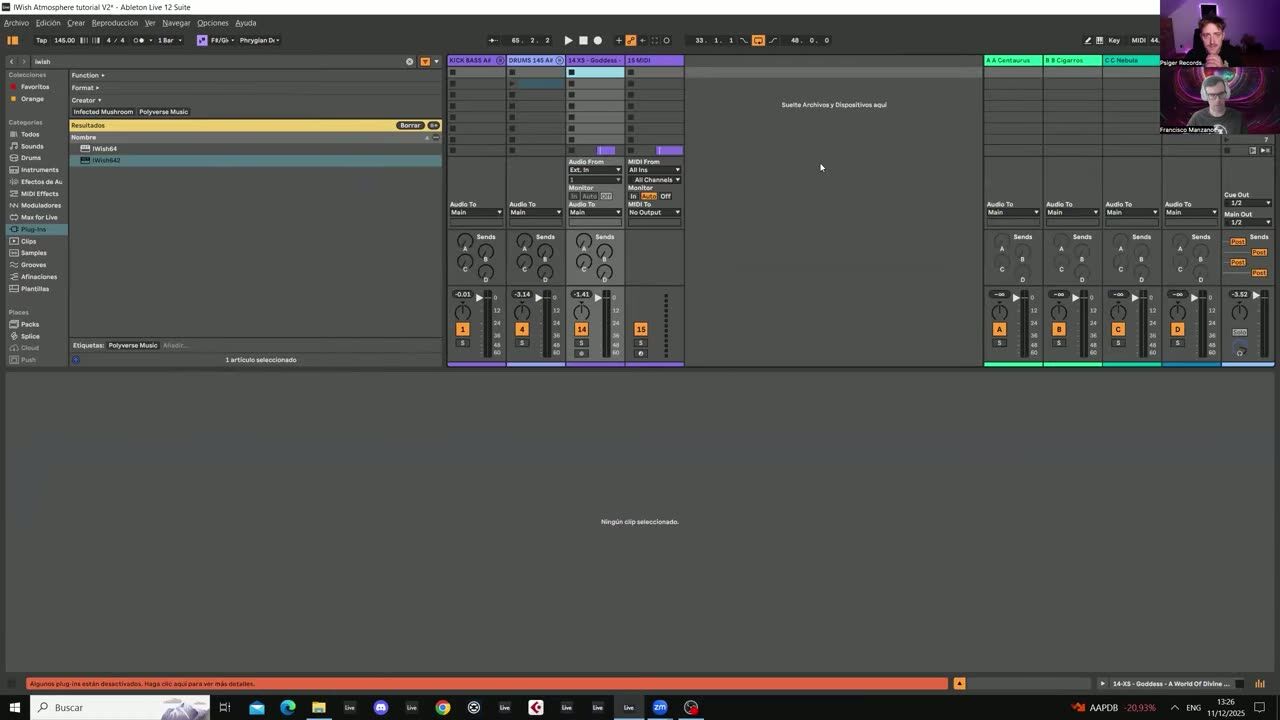
Route MIDI into iWish so you can trigger the vocal from a clip. This turns the sample into a playable instrument where each MIDI note plays the vocal at a different pitch, which is the foundation of a melodic vocal sequence.
Get the routing right and you can write vocal lines in the piano roll like any other instrument.
Pitch and formant adjustment
▶ Play from 1:52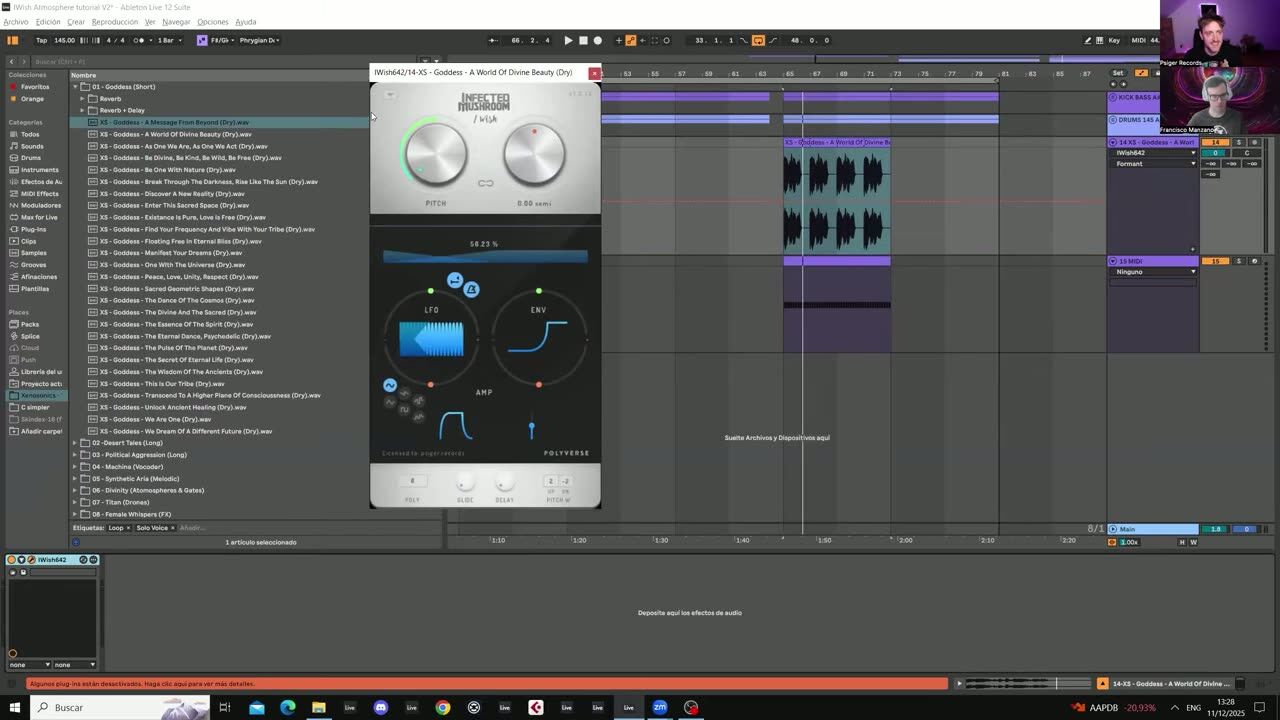
Adjust pitch and formant separately. Pitch moves the note, formant changes the vocal character without changing the note, so you can keep a vocal sounding natural as you move it up, or deliberately make it chipmunk or deep for effect.
Independent pitch and formant control is what keeps the vocal usable across a wide range.
Sync vocals with quantize
▶ Play from 2:43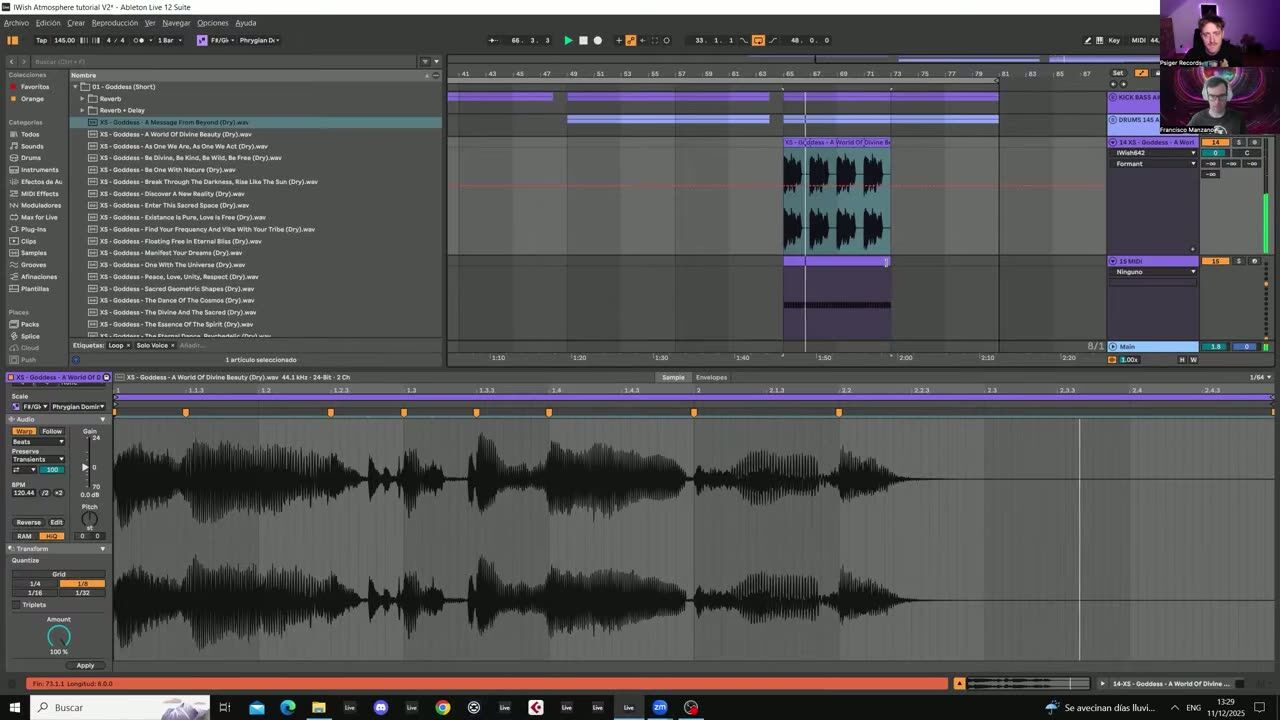
Use quantize settings so the vocal hits lock tightly to the grid with the kick, bass and drums. A vocal sequence that is even slightly off the grid fights the groove, so tightening the timing is essential before you add effects.
Lock the rhythm first, then make it interesting.
Build risers and transitions with delay
▶ Play from 7:43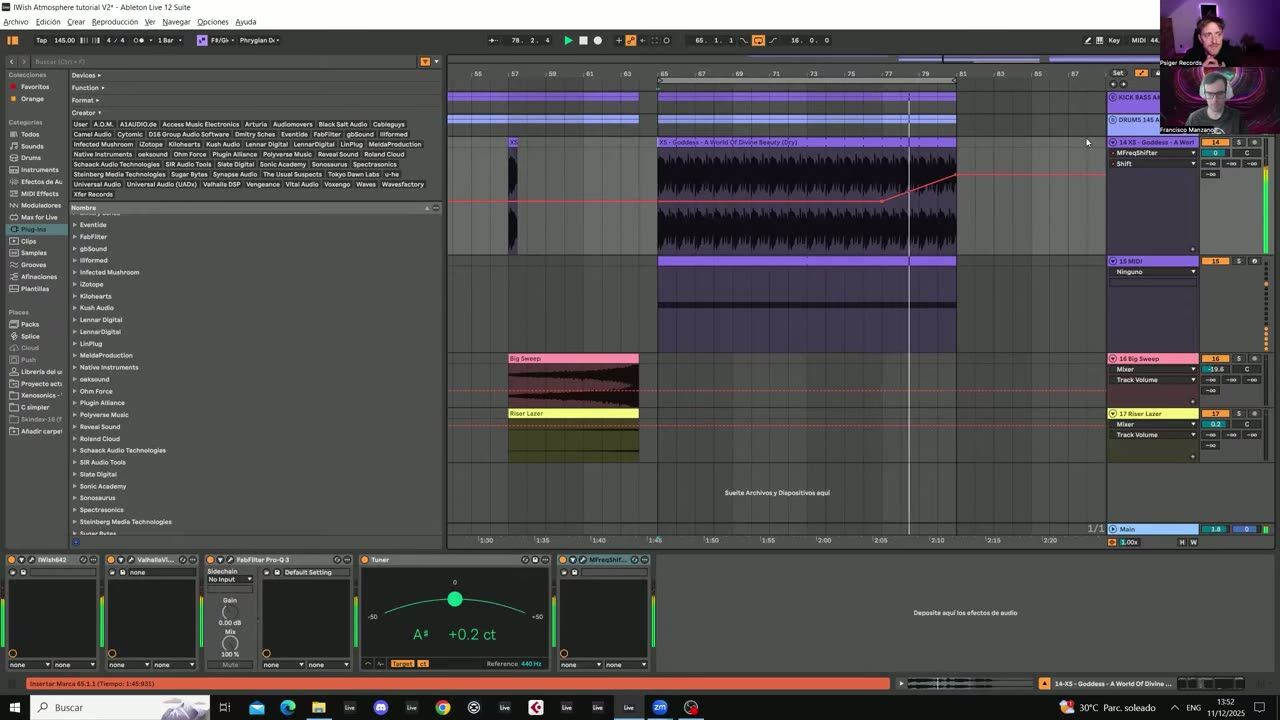
Use rhythmic delay, sweeps, risers and pitch-up effects to turn the vocal sequence into transitions and build-ups. Pitching the vocal up over a bar, or feeding it into a delay, creates tension that leads into the drop.
The same iWish patch can serve both the main groove and the transitions, which keeps the vocal identity consistent across the track.
Psytrance production FAQ
What is the iWish plugin used for?
How do I keep a pitched vocal from sounding like a chipmunk?
How do I make a vocal sequence lock with the beat?
Coaching helps you turn a vocal hook into the identity of a track, not just a passing effect.
See how the Blueprint works