Psytrance Vocal FX Shots in Serum
Watch the full breakdown
Those vocal-like FX shots that bark and talk over a psytrance transition are not always real vocals. You can design them from scratch in Serum using vowel FX, which shape a sound so it reads like a spoken or sung syllable.
In the video Psiger builds the base sound, adds the vowel character, and maps everything to macros so you can create endless variations fast. Here are the stages.
- Vocal FX shots can be designed from scratch in Serum, no real vocal needed.
- Start with a harmonically rich base sound so the vowel FX have material to shape.
- Vowel FX use formant filtering to carve the sound into vowel shapes.
- Move between vowels across the shot to create the talking, morphing character.
- Map everything to macros so one patch produces a whole family of vocal shots.
Grab the Mushroom vocal FX chain so you have a ready processing rack for your vocal shots.
Download the free Mushroom vocal FX chainBasic sound design in Serum
▶ Play from 0:28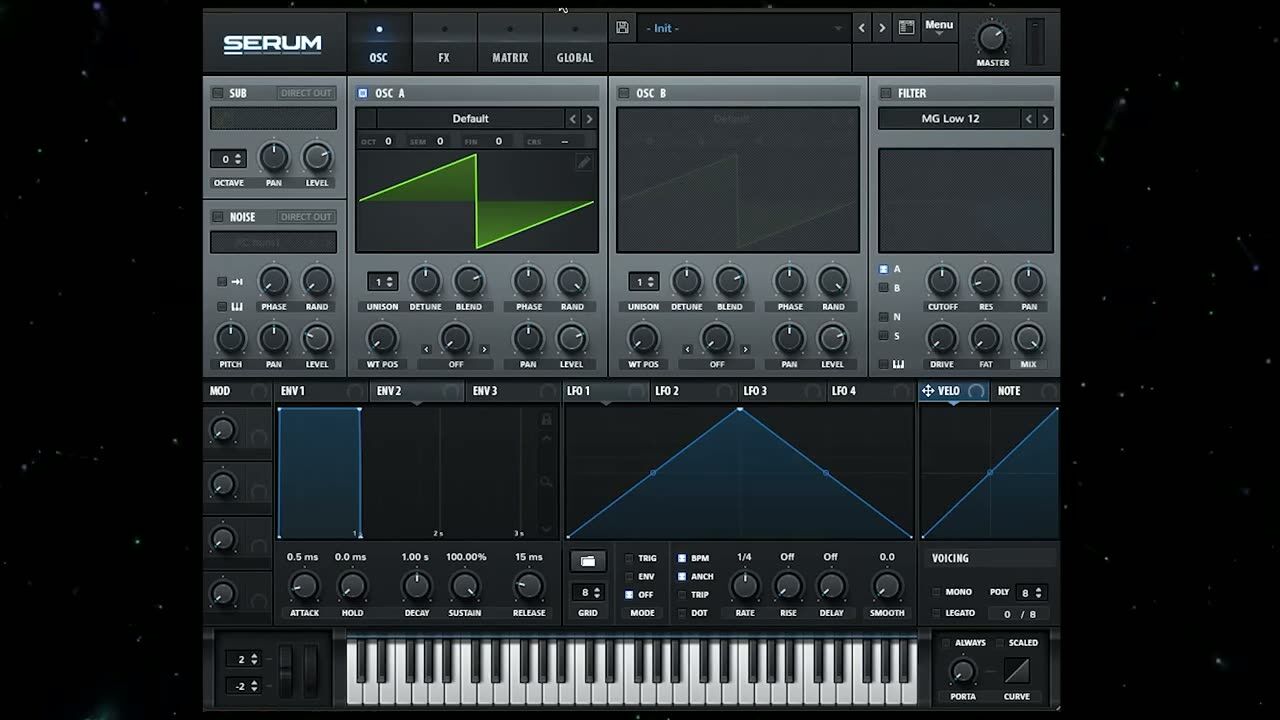
Start with a base sound in Serum, usually a harmonically rich waveform that gives the vowel processing something to work on. The richer the source, the more the vowel FX have to shape into formants.
Get a solid, full base tone first. A thin source makes a thin, unconvincing vocal shot.
Vowel FX for the talking character
▶ Play from 2:24Vowel FX use formant filtering to carve the sound into vowel shapes, ah, ee, oh, so it reads like a voice. Moving between vowels over the length of the shot gives that talking, morphing quality that makes an FX shot feel vocal.
This formant movement is the entire trick. Automate it across the shot for a spoken feel.
Control it with macros
▶ Play from 7:46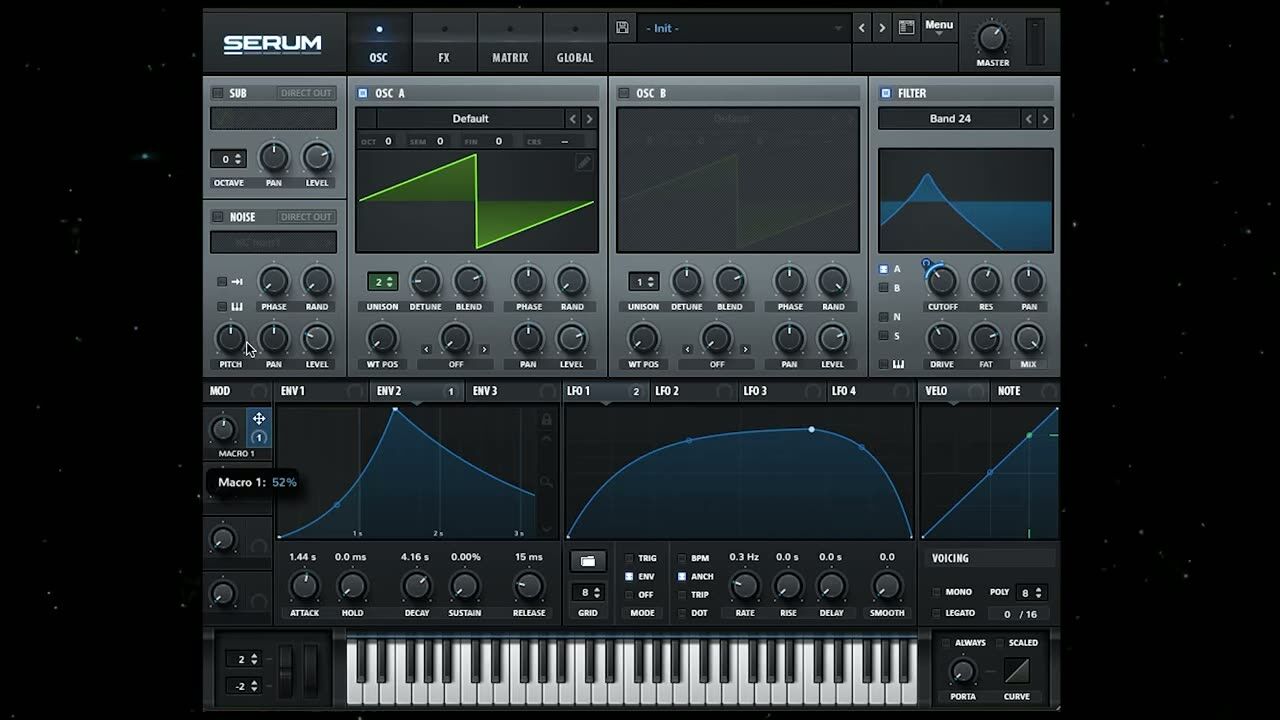
Map the key parameters, vowel position, pitch, filter, effects, to macros so you can dial new variations instantly. One well-built patch then produces a whole family of vocal shots for different moments in the track.
Macros turn a single sound into a reusable instrument you can vary on the fly.
Psytrance production FAQ
How do I make vocal FX without a real vocal?
What are vowel FX or formant filtering?
Why should I use macros on a vocal FX patch?
Coaching helps you place vocal FX so they punctuate transitions instead of cluttering the mix.
See how the Blueprint works