Mixing Into the Clipper for Louder Mixes
Watch the full breakdown
Loud, clear mixes in psytrance often come down to a clipper on the master. Instead of a limiter squashing everything, a clipper shaves the sharp transient peaks so you can push the whole mix louder while keeping it clean.
In the video Psiger shows how to mix into Ableton clipper for louder and clearer results. Here is the approach.
- A clipper shaves the loudest transient peaks instead of turning the whole signal down.
- Those peaks eat headroom, so shaving them lets the mix sit louder.
- Put the clipper on the master and mix into it, not add it at the very end.
- Balance elements knowing the peaks will be clipped, so nothing is pulled down needlessly.
- Shave just enough peak for loudness without the ear hearing the clip.
Open the raw Ableton project of a released track and see how the levels are set before the master.
Download the free arrangement projectWhat a clipper does
▶ Play from 0:00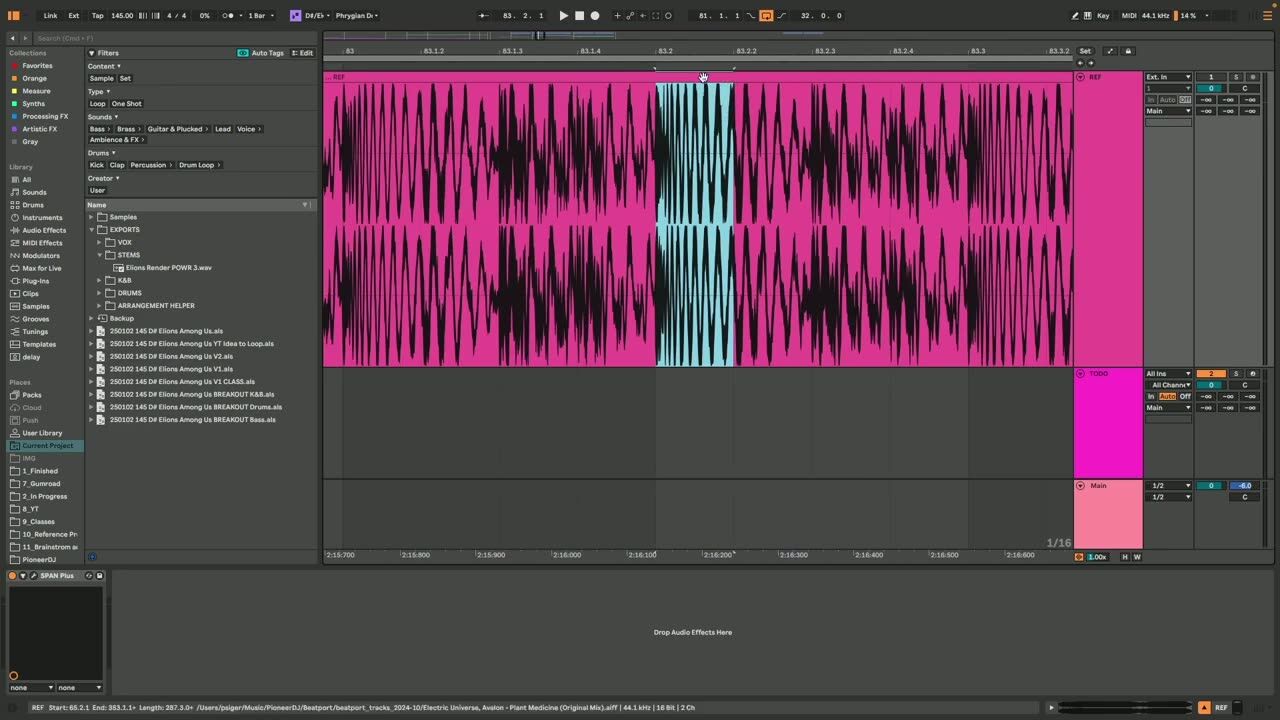
A clipper cuts off the very top of the loudest transient peaks rather than turning the whole signal down like a limiter. Those peaks eat headroom without adding much loudness, so shaving them lets the rest of the mix sit higher and louder.
Understanding that a clipper targets peaks, not overall level, is the key to using it well.
Mixing into the clipper
▶ Play from 2:00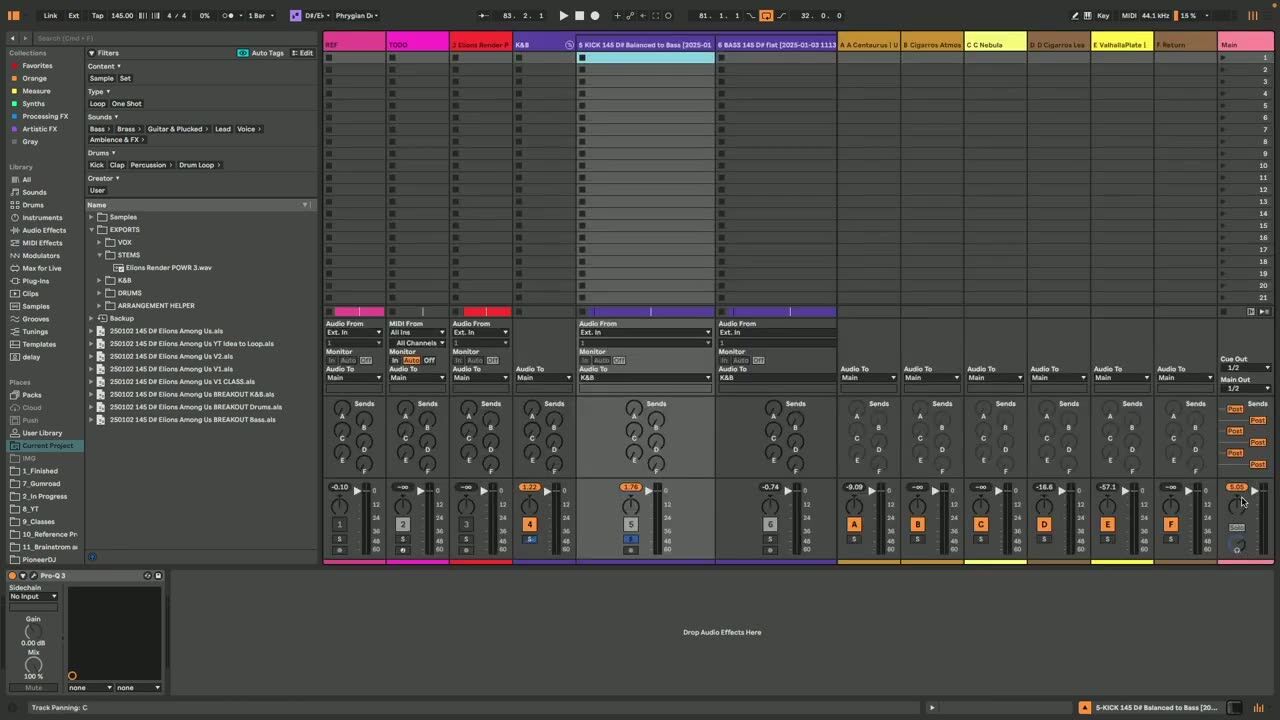
Put the clipper on the master and mix into it, checking the mix through the clipper rather than adding it at the end. Balance elements knowing the peaks will be shaved, so nothing has to be pulled down just to control a transient.
Mixing into it, rather than slapping it on last, is what gives clean loudness.
Avoiding audible distortion
▶ Play from 4:00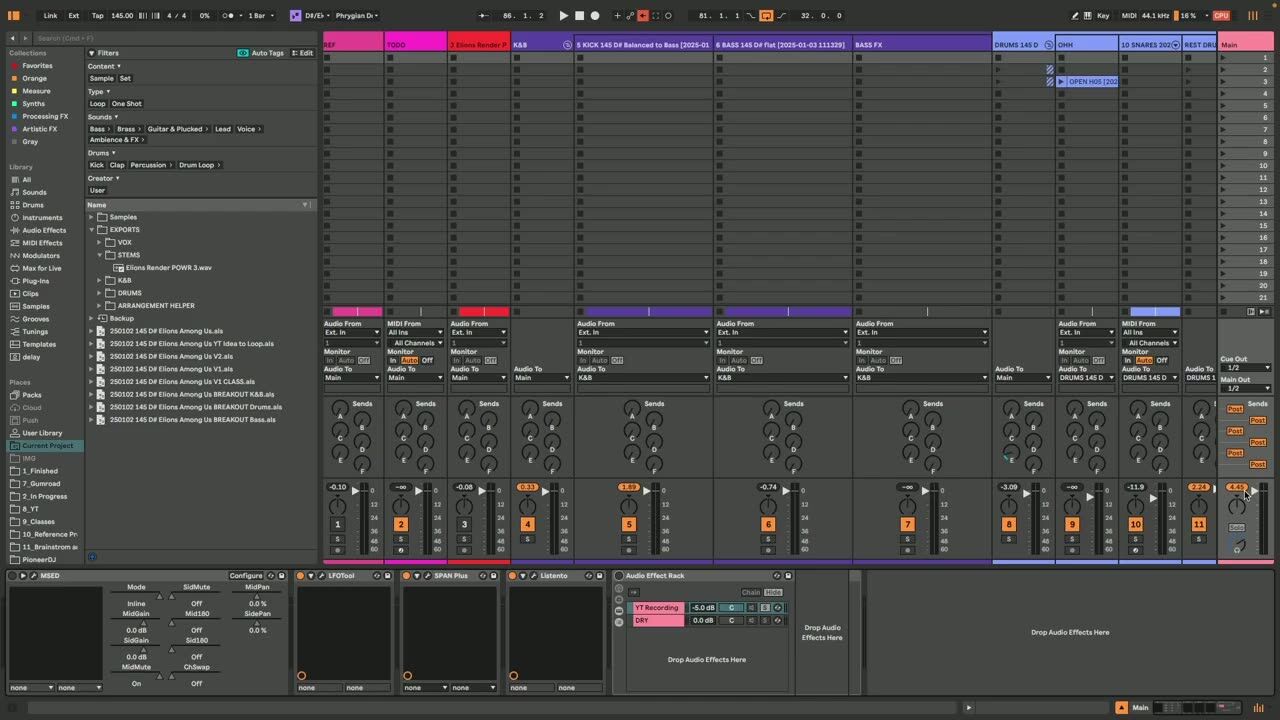
Push the clipper too hard and it distorts audibly. The skill is shaving just enough peak to gain loudness without the ear hearing the clip. Watch the loudest hits, usually the kick, and clip them cleanly while leaving the body of the sound intact.
A little clipping is inaudible and powerful; too much is obvious and harsh.
Psytrance production FAQ
What does mixing into a clipper mean?
What is the difference between a clipper and a limiter?
How much clipping is too much?
Coaching helps you get loud, clean mixes without the guesswork on the master chain.
See how the Blueprint works