Jam With Virtual Light: Atmospheres
Watch the full breakdown
Melodies and sound design are done; now the track needs atmosphere. In part three, Psiger and Virtual Light build evolving textures with Exoforms, the layers that set the mood and give a psytrance track its psychedelic depth.
Atmospheres are often an afterthought, but they are what make a track feel immersive. Here is what the jam covers.
- Exoforms generates evolving textures ideal for psytrance atmospheres.
- Atmospheres are the background layers that set mood and give psychedelic depth.
- Layer several textures at different frequencies and movement for a rich backdrop.
- Balance the layers: full enough to feel immersive, not so dense it muddies the mix.
- Filter, automate and place atmospheres so they support each section energy.
Grab a free Virtual Light rack so you can build atmospheres in your own tracks.
Get the free Virtual Light Ableton rackBuilding atmospheres with Exoforms
▶ Play from 0:00Exoforms generates evolving, textural sounds ideal for atmospheres. The session shows how to coax drones, pads and moving textures from it, the background layers that sit under the track and set its mood.
Atmospheres are what give a track its psychedelic depth, so it is worth spending real time on them.
Layering textures
▶ Play from 15:00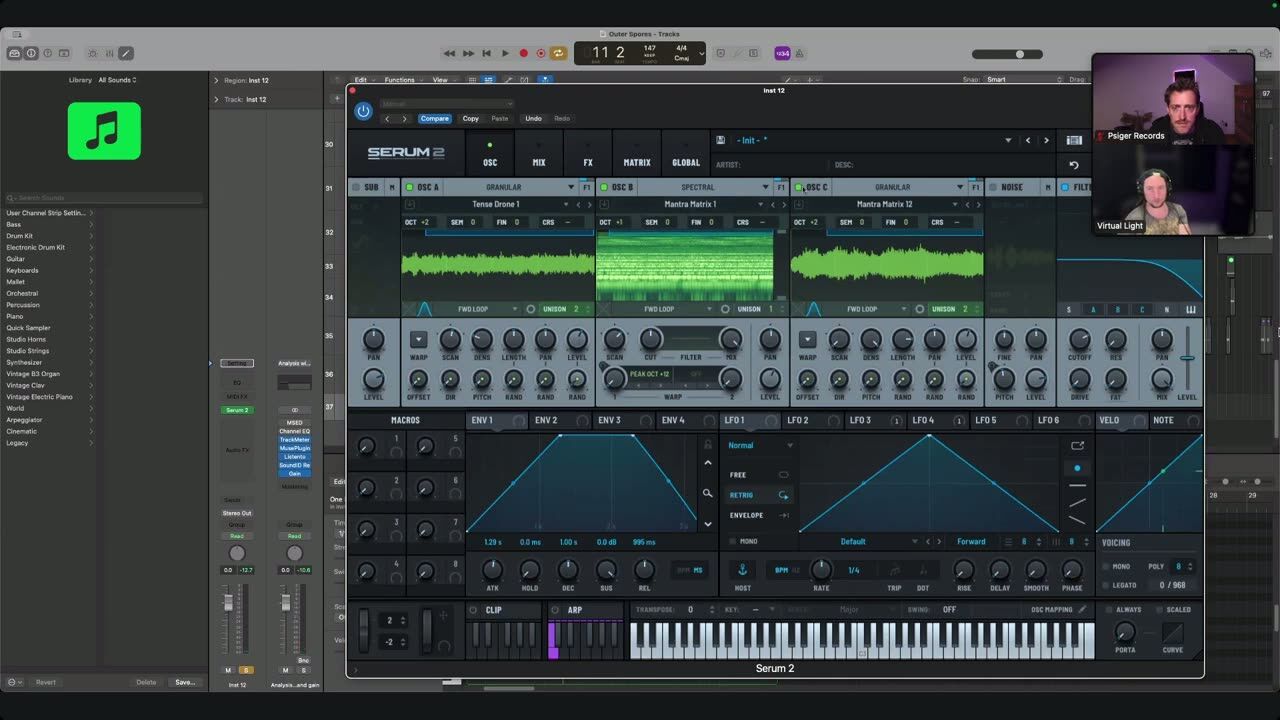
A single atmosphere is rarely enough. Layering several textures, at different frequency ranges and with different movement, builds a rich, immersive backdrop. The layers fill the space around the main elements without crowding them.
Balance is key: enough texture to feel full, not so much that the mix turns to mud.
Shaping mood into the track
▶ Play from 35:00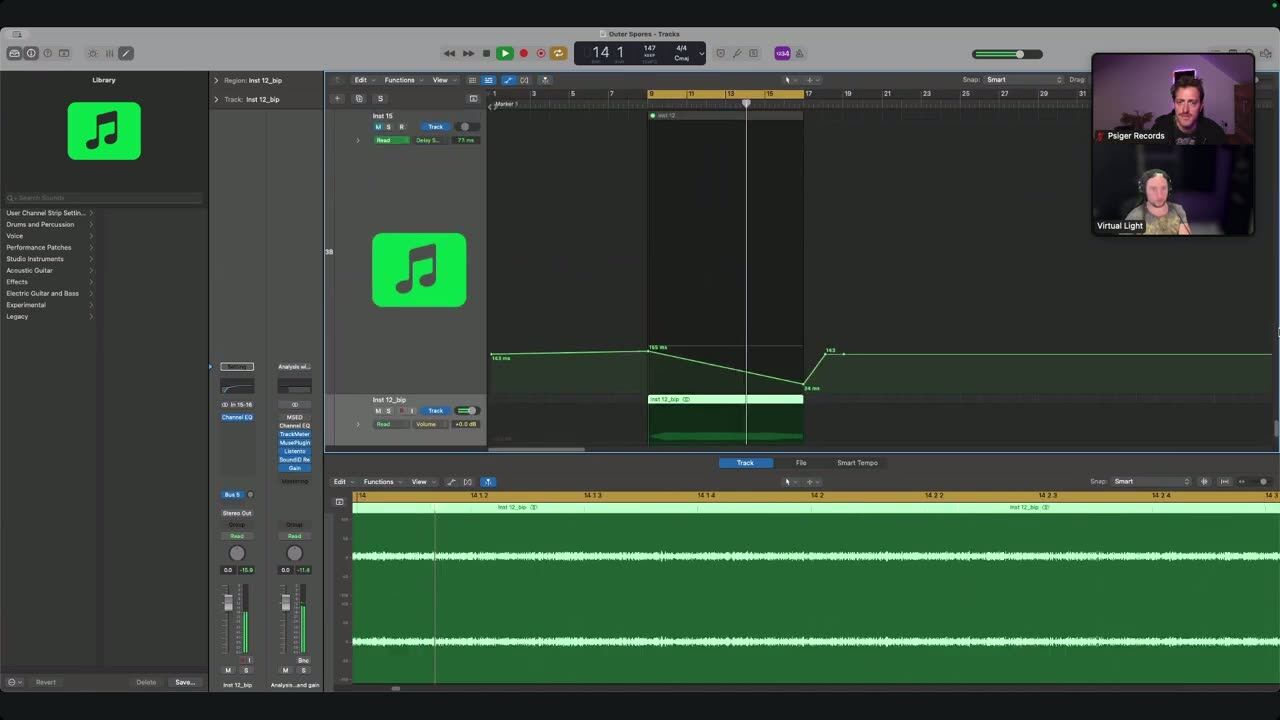
Finally, the atmospheres are shaped to fit the track: filtered, automated and placed so they support the energy of each section. An atmosphere that rises and falls with the arrangement makes the whole track feel intentional and alive.
Atmosphere is not filler, it is mood, and shaping it deliberately is what makes a track immersive.
Psytrance production FAQ
How do I make psytrance atmospheres?
How many atmosphere layers should I use?
Are atmospheres just filler?
Coaching helps you use atmosphere to shape mood across a whole track.
See how the Blueprint works