Seamless Loop Atmospheres in Ableton
Watch the full breakdown
A good atmosphere loop should run under a whole track without a click, a pop, or an obvious repeat. That comes down to two things: choosing the right section to loop and building a clean crossfade at the seam.
In the video Psiger prepares the loop, aligns it at zero crossings for a smooth join, then uses modulation and FX so it never sounds like the same bar on repeat. Here are his five rules for perfect pad loops.
- Choose a stable, evenly-textured section. Big transients make a loop obvious.
- Align loop points at zero crossings so the join does not click or pop.
- Crossfade the end into the start for a smooth, seamless transition.
- Add slow modulation, chorus and texture so the loop evolves and hides the repeat.
- Layer subtle noise and reverb for depth so a short loop feels infinite.
Download a full psytrance track in high quality and study how its atmospheres carry the arrangement.
Download the free Sacred Pulse trackFind and prepare the best section
▶ Play from 0:00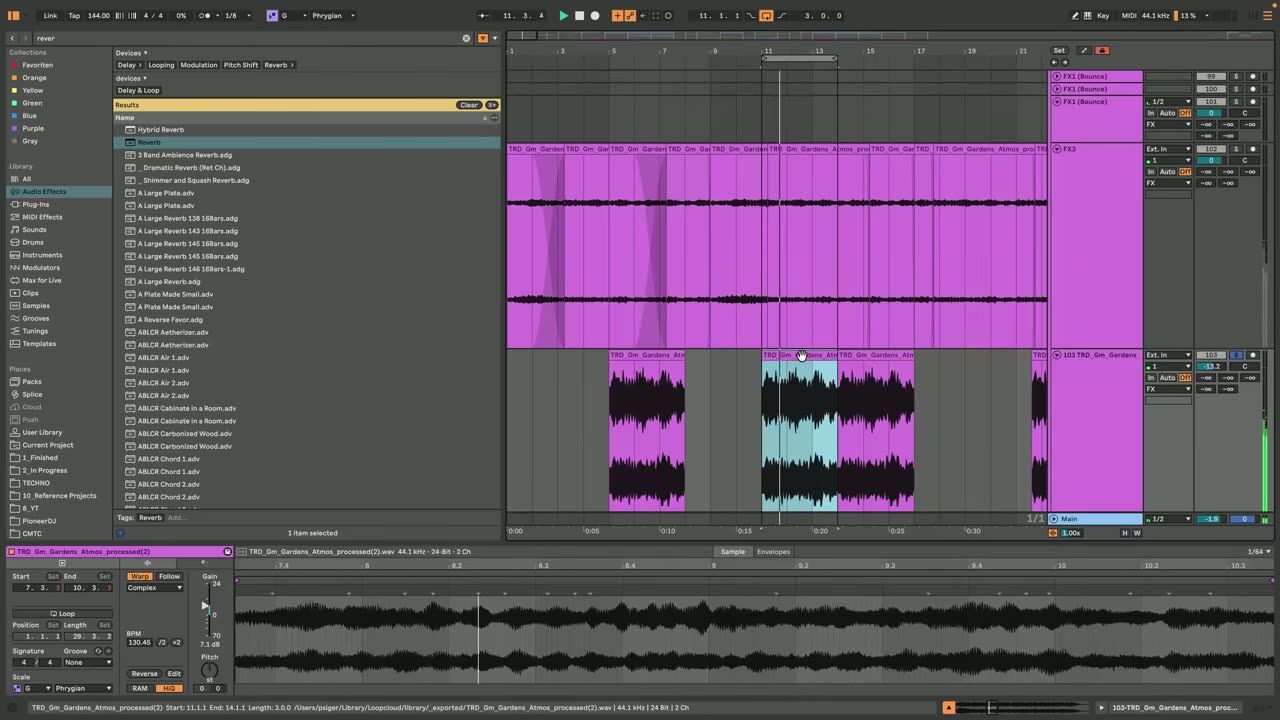
Not every part of a pad loops well. Look for a stable, evenly-textured section without big transients or sudden changes, because those are what make a loop obvious. The calmer and more consistent the source region, the easier it is to hide the seam.
Choosing the right section does most of the work before you touch a crossfade.
Create the seamless crossfade loop
▶ Play from 5:13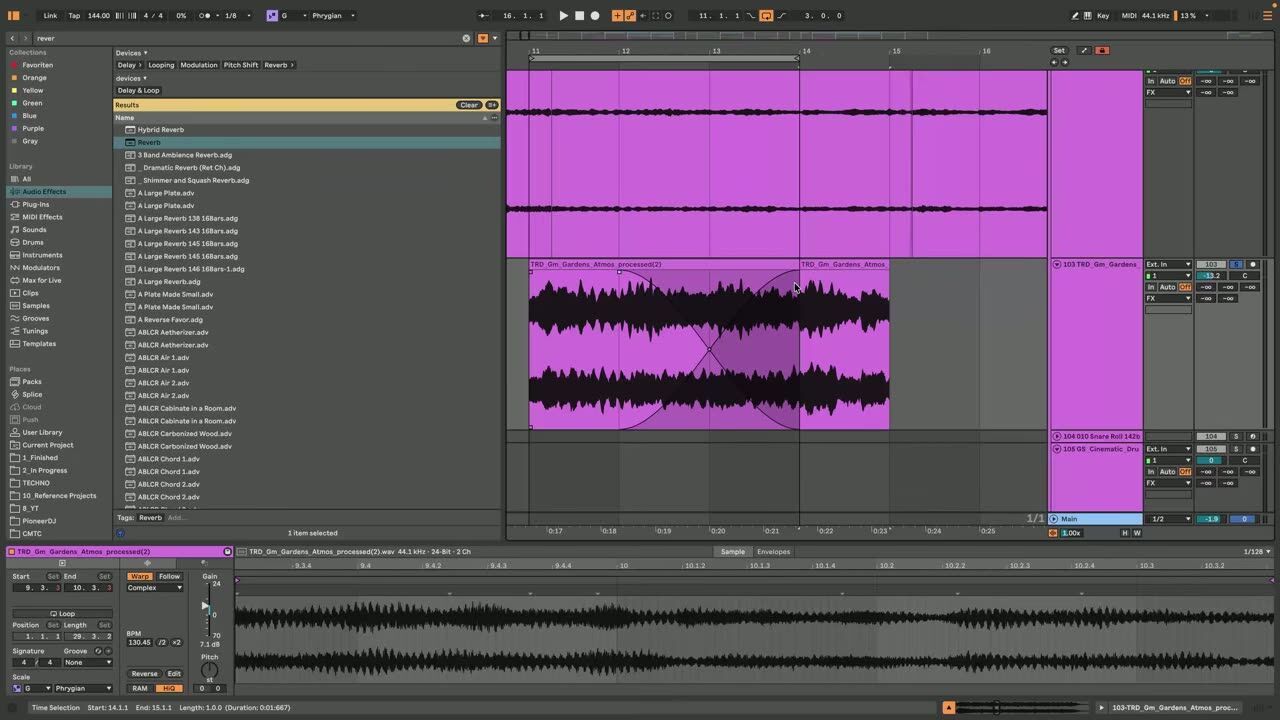
Align the loop points at zero crossings, where the waveform crosses the centre line, so the join does not click or pop. Then overlap the end into the start with a crossfade so the transition is smooth rather than abrupt.
Zero-crossing alignment plus a crossfade is the core technique for a click-free loop.
Make the loop less repetitive
▶ Play from 9:55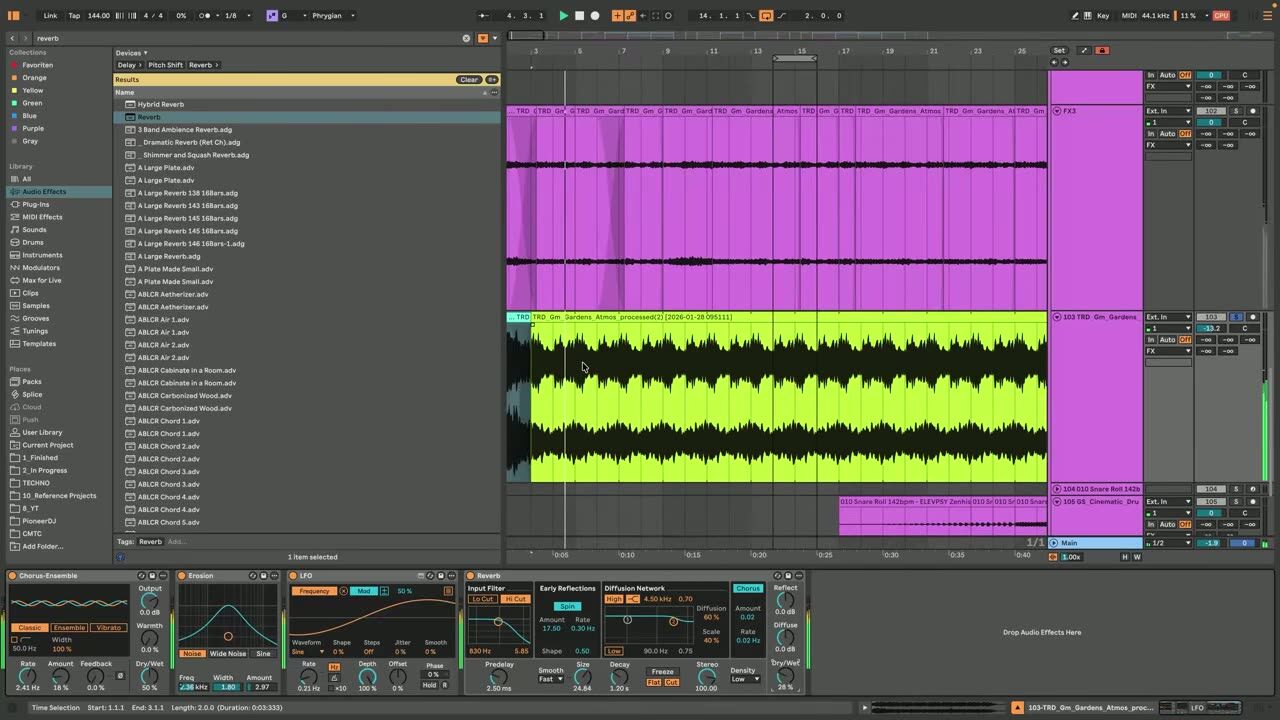
Even a clean loop gets boring if it repeats identically. Add slow modulation, chorus, texture layers, noise and subtle movement FX so the atmosphere evolves over time. The ear stops hearing a loop and starts hearing an evolving pad.
This step is what turns a static loop into an infinite-feeling atmosphere.
5 rules for perfect pad loops
▶ Play from 12:53The summary: pick a stable section, align at zero crossings, crossfade the seam, add slow modulation to disguise the repeat, and layer subtle texture and reverb for depth. Follow those and a short recording plays convincingly for minutes.
Keep these five rules as a checklist any time you need a background atmosphere.
Psytrance production FAQ
How do I make a seamless pad loop in Ableton?
Why does my loop click or pop at the loop point?
How do I stop a loop from sounding repetitive?
Coaching helps you use atmospheres to set mood and glue sections, not just fill empty space.
See how the Blueprint works