How to Start Making Psytrance in Ableton
Watch the full breakdown
Most people never finish their first psytrance track because they try to build everything at once. A track is really just four layers, stacked in the right order: kick and bass, then drums, then leads, then FX. Build them in that order and the track almost arranges itself.
In the video above, Psiger walks through each of these main elements. Here they are, with the exact moment in the video where each one is covered.
- Ableton is the safe default: strong melody tools, easy project sharing, most tutorials. Already on Bitwig? Stay there. Do not switch mid-learning.
- Work in Arrangement view, not Session view. Session is for jamming and live sets. Arrangement is how tracks get finished.
- Collect sounds before you start a track. Kicks, basses, presets, samples. Searching mid-arrangement kills your flow.
- Save a new dated version every 5 to 10 minutes. Losing an hour of good work to a crash hurts far more than the disk space.
- Keep sessions to about 90 minutes to 2 hours. After that your ears lie to you and you make bad calls.
- Spend your effort on sound design, not fancy MIDI. Simple bass MIDI with strong synthesis beats a busy pattern with weak sound.
Grab a free bank of psytrance-ready sounds so you can start a track today instead of hunting for samples.
Download the free Mini Sample BankKick and bass — the foundation
▶ Play from 0:00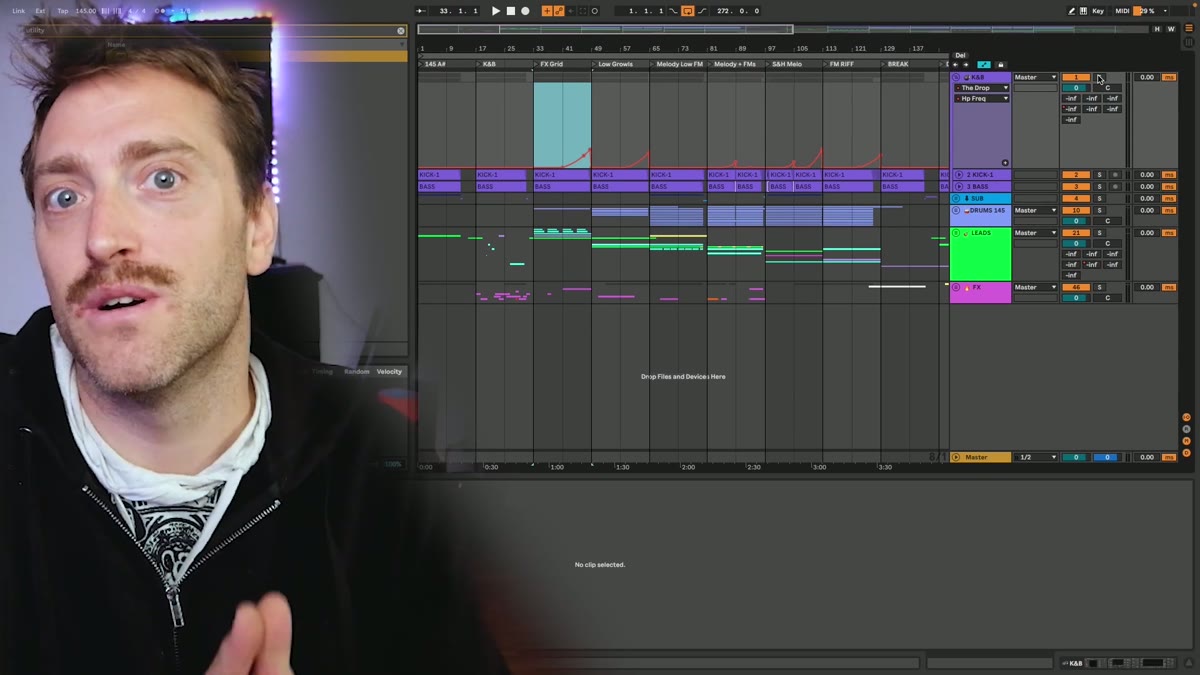
Every psytrance track starts here. The kick and bass are the engine, and if they do not groove together, nothing you add on top will fix it. Tune them to the same key and phase-align them so the low end is solid before you move on.
This is the one layer you cannot fake, so spend your time here. A great kick and bass with a simple pattern beats a busy track built on a weak low end.
Drums build the groove
▶ Play from 2:22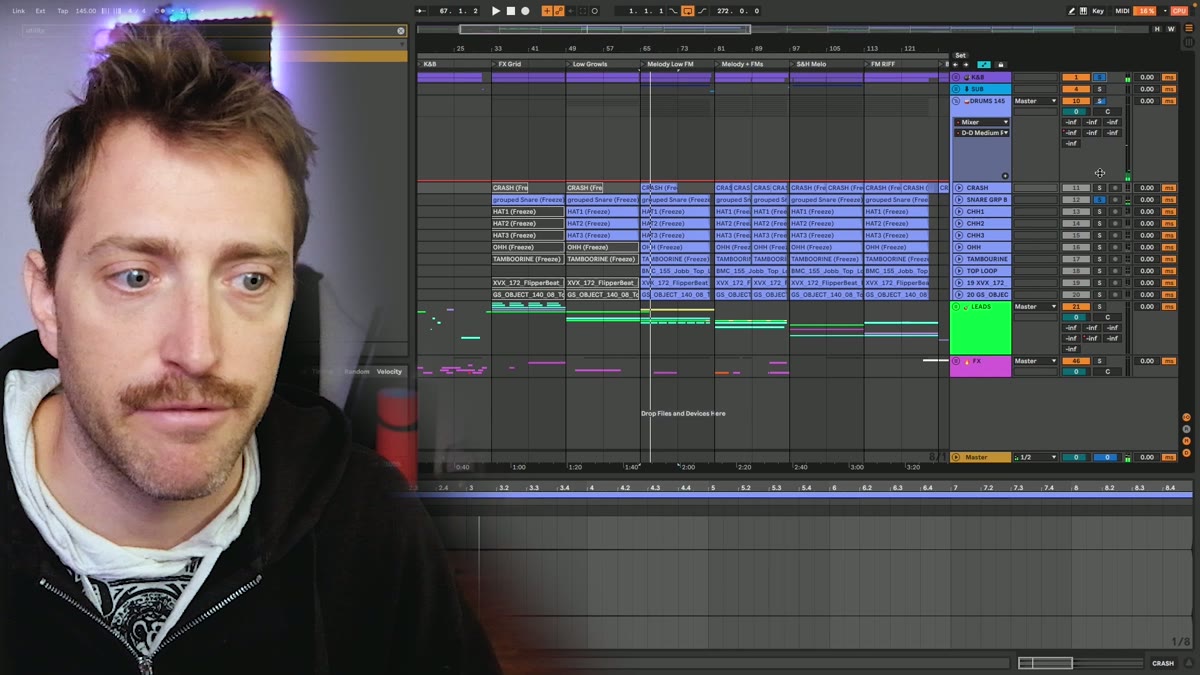
On top of the kick and bass go the drums: hi-hats, snare, claps and percussion. These build the groove and the forward drive. Bring them in gradually over 8 to 16 bars rather than all at once.
Place hits on the offbeats, between the kicks, to make the track roll. The drums are what actually get people moving.
Leads give it character
▶ Play from 3:46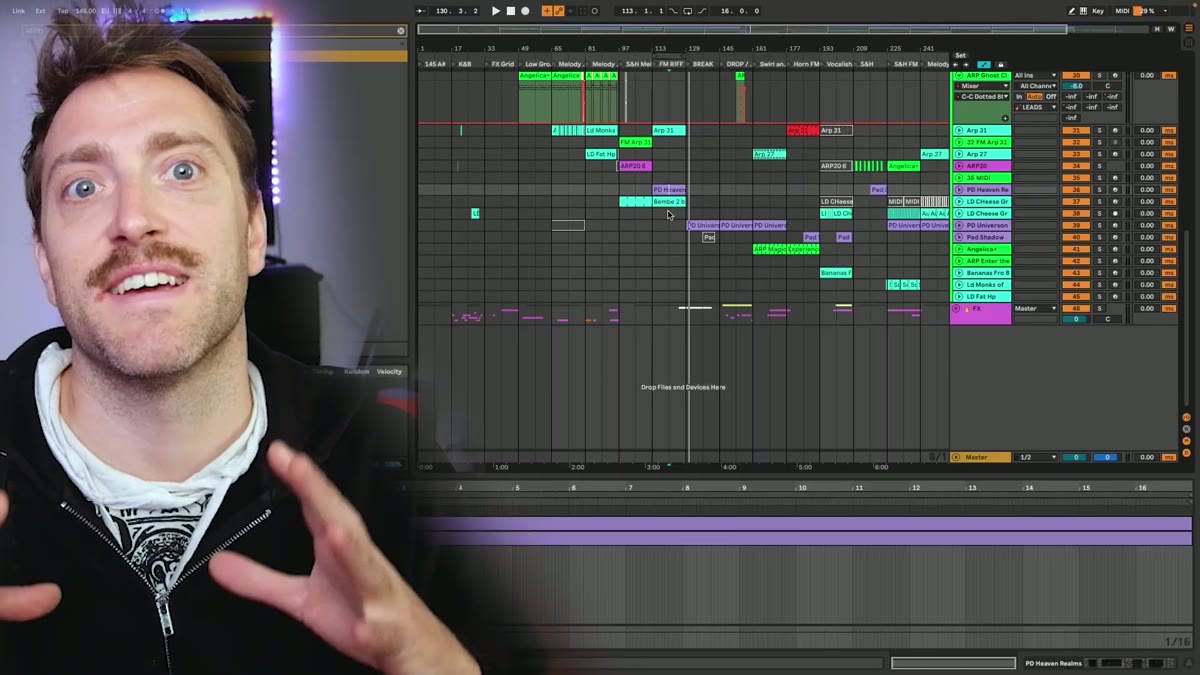
Leads are the melodic and rhythmic top layer, and they give the track its identity. This is where most beginners spend all their time, but leads land best once the kick, bass and drums are solid underneath.
Keep them simple at first and let them serve the groove rather than fight it. A lead that adds energy stays, a lead that does not gets cut.
FX and sub FX glue it together
▶ Play from 9:51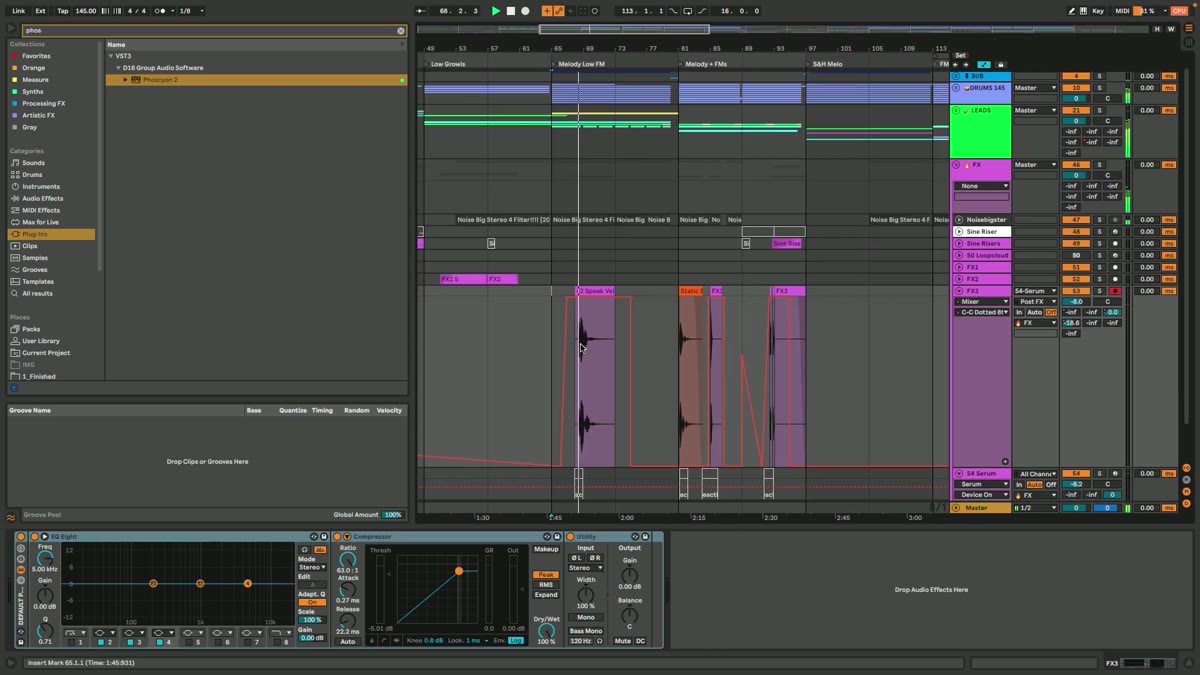
The final layer is effects: risers, sweeps, impacts and the little sub FX that glue sections together and make transitions land. They are the polish, not the substance, so add them last.
Done right, they make the arrangement feel intentional instead of abrupt. Reuse a set of go-to sweeps and racks so you are not rebuilding them every track.
Psytrance production FAQ
What is the best DAW for psytrance?
Session view or Arrangement view for psytrance?
How long does it take to get good at psytrance production?
How do I actually improve instead of repeating the same mistakes?
Do I need expensive gear or monitors to start?
Coaching puts a released producer on your early tracks to spot the one habit that is costing you months.
See how the Blueprint works