AI Speech Samples for Psytrance Vocals
Watch the full breakdown
Finding the right vocal sample is a pain, and using someone else record raises copyright questions. AI speech tools solve both: you can generate any spoken phrase you want, in the voice and tone you want, and it is yours to chop and process.
In the video Psiger shows how to turn AI-generated speech into usable psytrance vocal material. Here is the workflow.
- AI speech tools generate custom, copyright-free vocals on demand.
- You write the text, so you get exactly the words and delivery the track needs.
- Generate several takes so you have variations to chop from.
- Chop into syllables, then pitch and rearrange to fit the key and rhythm.
- Process with reverb, delay and pitch effects to turn plain speech into psychedelic vocal FX.
Grab the Mushroom vocal FX chain so your generated speech gets processed into a real psytrance hook.
Download the free vocal FX rackGenerate the speech sample
▶ Play from 0:00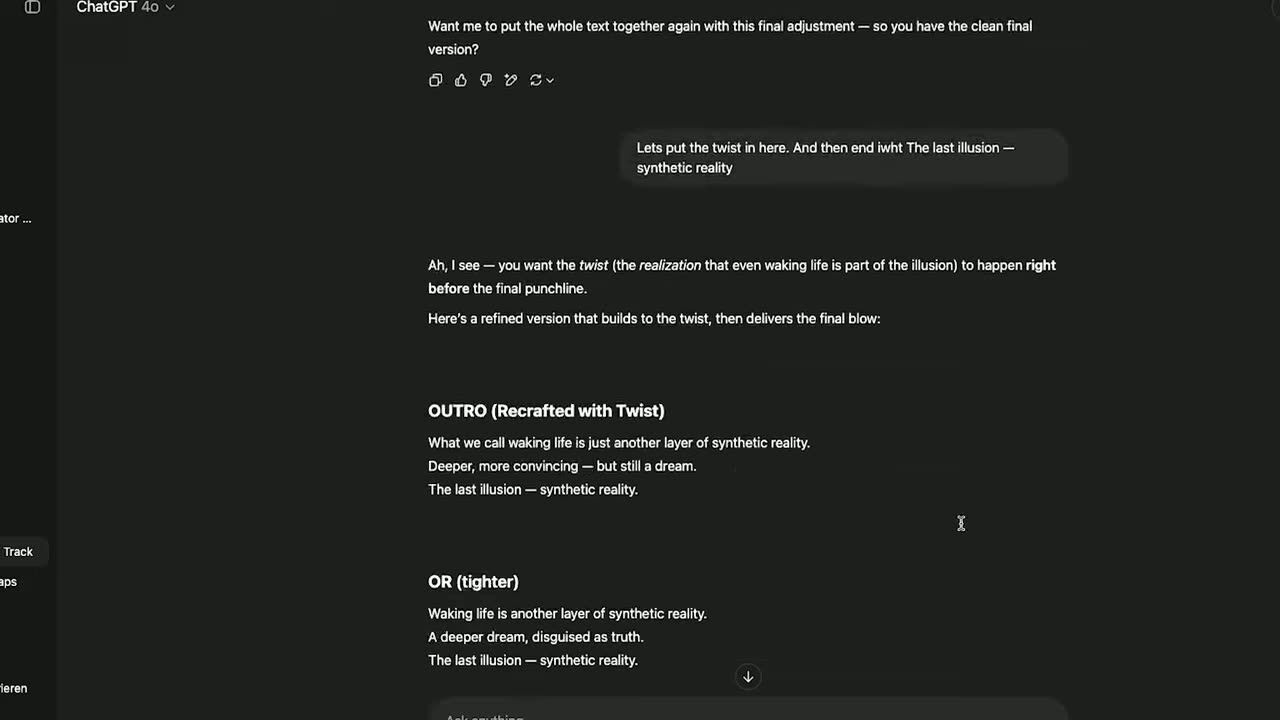
Use an AI text-to-speech tool to generate the phrase you want. Because you write the text, you get exactly the words and delivery that fit the track, rather than searching sample packs for something close.
Generate a few takes and variations so you have options to chop from later.
Chop and pitch the vocal
▶ Play from 1:30Bring the speech into Ableton and chop it into syllables and words. Pitch and rearrange the chops so they fit the key and rhythm of the track. A spoken phrase becomes a rhythmic hook or a scattered chop pattern depending on how you slice it.
Treat the AI speech as raw material, not a finished part.
Process into hooks and FX
▶ Play from 3:00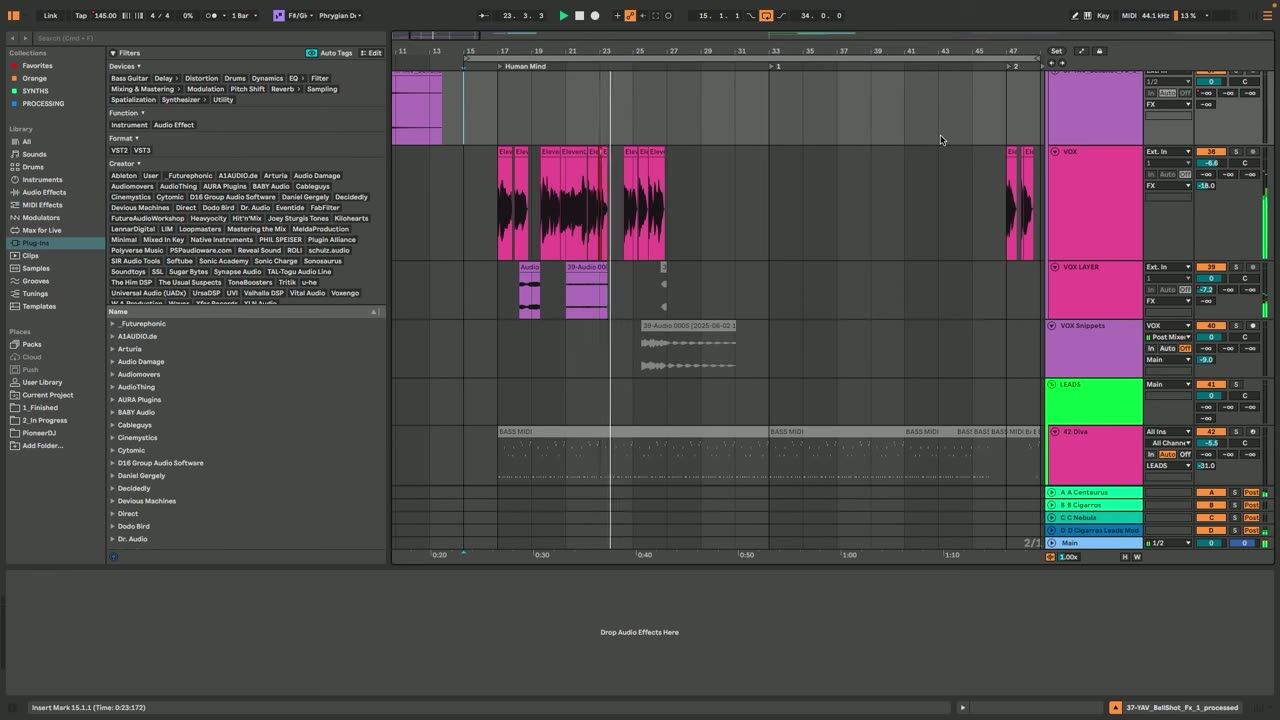
Process the chops with reverb, delay, filtering and pitch effects to turn plain speech into psychedelic vocal FX, hooks and transitions. The processing is what gives an otherwise flat AI voice character and space so it sits in a psytrance mix.
The more you shape it, the less it sounds like AI and the more it sounds like your sound.
Psytrance production FAQ
Can I use AI-generated speech in my music?
How do I make AI speech sound less robotic in a track?
Why use AI speech instead of a vocal sample pack?
Coaching helps you use new tools like AI vocals to serve the track, not chase novelty for its own sake.
See how the Blueprint works