Sampling Presets Into Wavetables in Serum 2
Watch the full breakdown
Sampling a synth preset into a Serum 2 wavetable is a great way to steal a sound, but the results often have an ugly pitch drift nobody seems to explain. The cause is the note you sample on, and once you understand it the fix is simple.
In the video Psiger covers what a wavetable actually is, its limitations, how to prep your preset, and the drift fix. Here is the full workflow.
- A wavetable stores single-cycle waveforms, not a long recording. That is why sampling into one drifts.
- Wavetables are mono with fixed amplitude and cycle length. Stereo and amplitude movement do not survive.
- Prep the preset first: strip effects and modulation so it plays a clean sustained tone.
- The note you sample on decides whether cycles divide evenly. Wrong note equals pitch drift.
- Sample on a note whose cycle length divides cleanly into the frame size to kill the drift.
Grab the free Serum 2 pack and see how a finished wavetable bass patch is set up.
Download the free Serum 2 bass packWhat a wavetable is
▶ Play from 0:20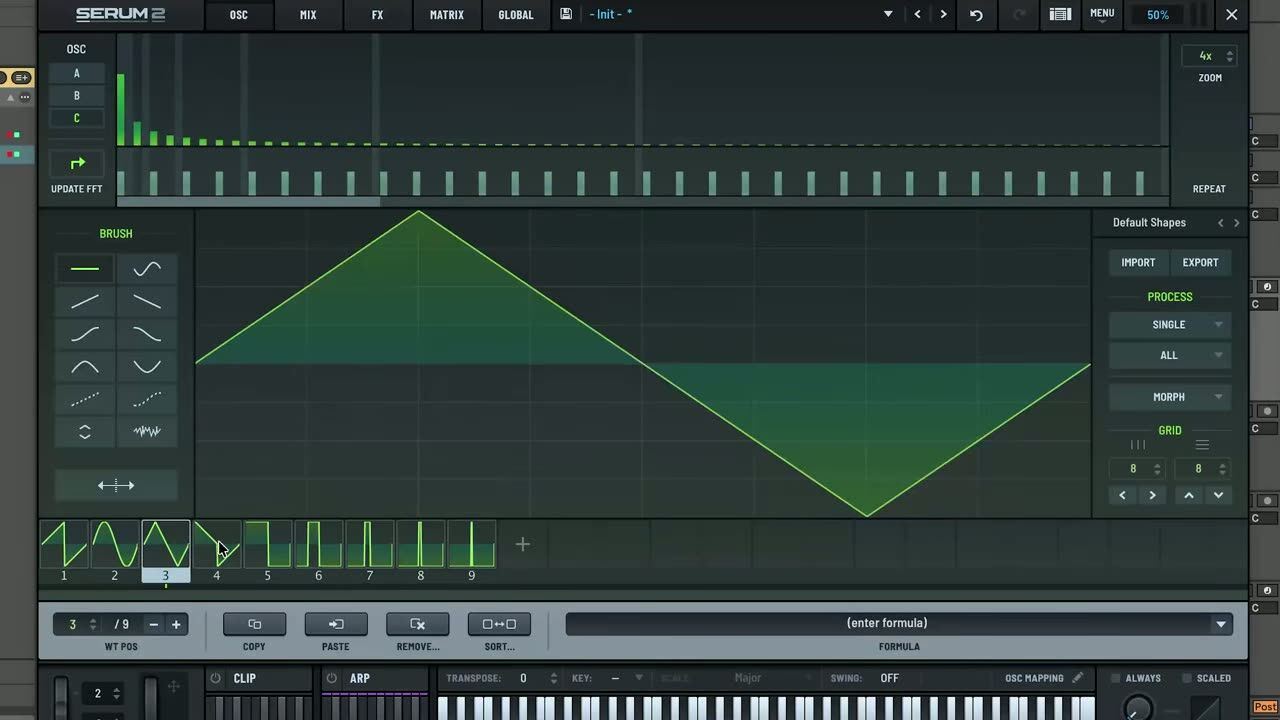
A wavetable is a set of single-cycle waveforms Serum reads through as you move the position. Understanding that it stores individual cycles, not a long recording, is the key to why sampling a preset into one behaves the way it does.
Everything about the drift issue follows from this: the wavetable has to snap each cycle to a fixed length.
Wavetable limitations
▶ Play from 0:52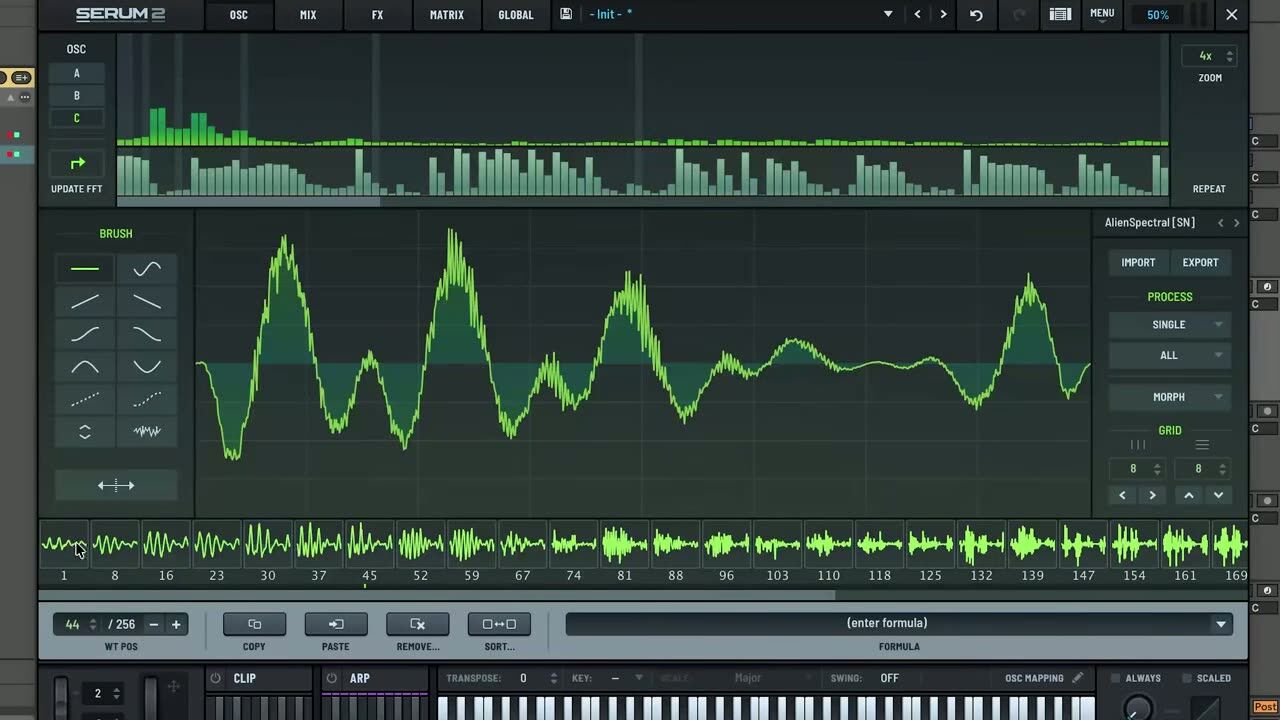
Wavetables are mono and have a fixed amplitude and cycle length. That means stereo width, amplitude movement and anything that changes across a cycle in your source will not survive the conversion cleanly.
Knowing these limits up front tells you which presets convert well and which will fight you.
Preparing your preset
▶ Play from 2:19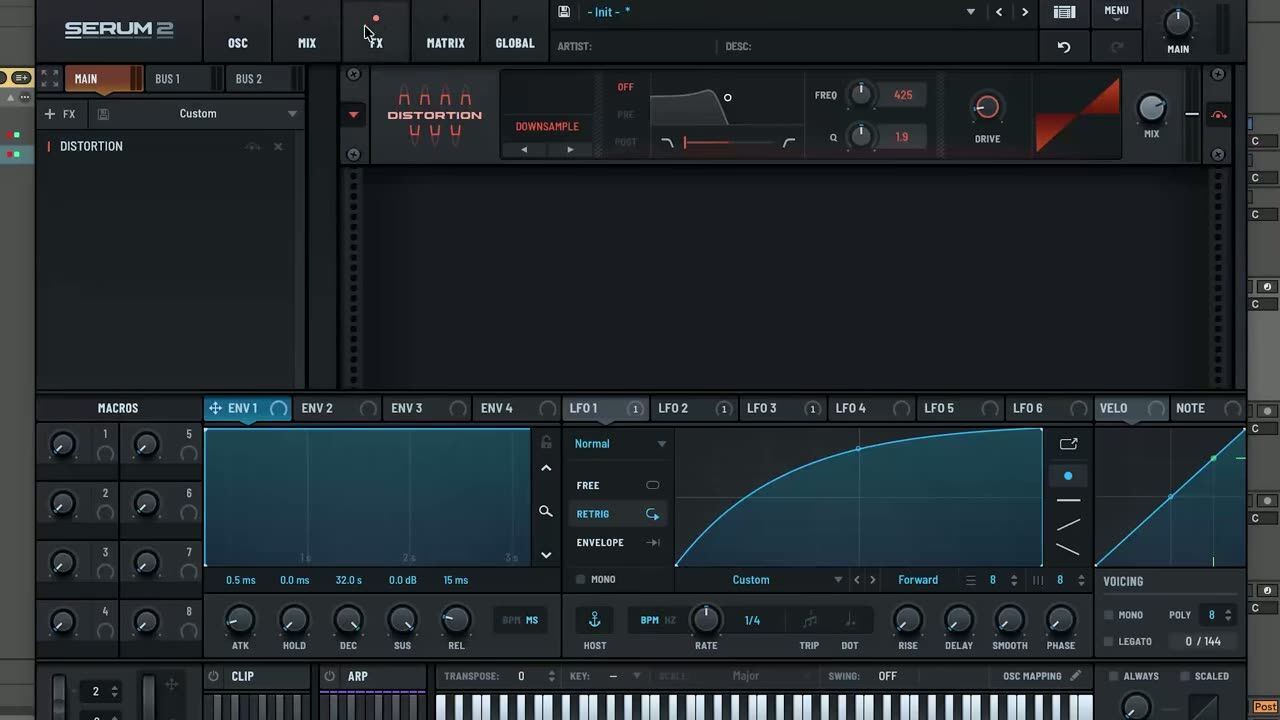
Before sampling, simplify the preset so it plays a clean, sustained tone. Strip out effects, movement and modulation that would confuse the single-cycle capture. You want a stable waveform, not a moving sound, for Serum to slice into a table.
The cleaner the source tone, the cleaner the resulting wavetable.
Why the sampling note matters
▶ Play from 3:54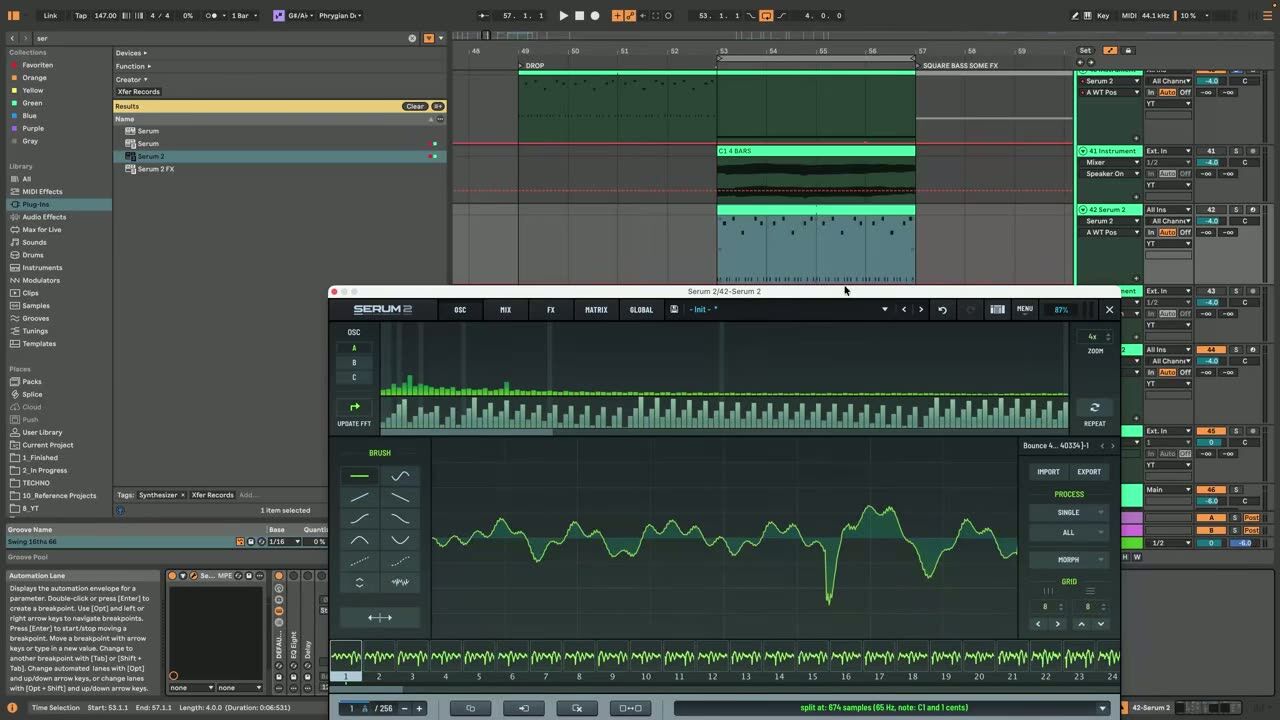
Here is the part almost nobody covers. The pitch you play when you sample decides how the waveform lines up with the wavetable cycle length. Sample on the wrong note and the cycles do not divide evenly, which creates the pitch drift you hear.
The note is not cosmetic, it is the root cause of the drift.
The drift fix and choosing the right note
▶ Play from 5:10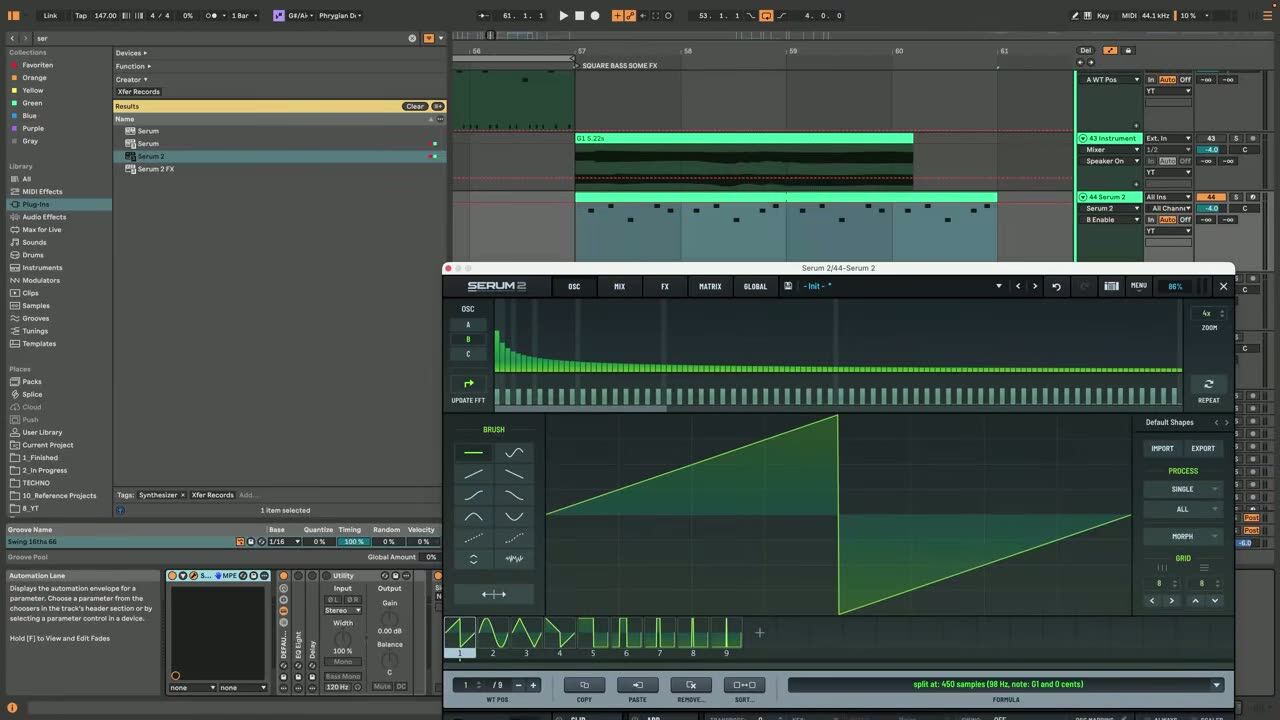
The fix is to sample on a note whose cycle length divides cleanly into the wavetable frame size. Choose that note deliberately and the waveform snaps evenly into each cycle, eliminating the drift. The video shows exactly which note to reach for.
Get the note right and the whole process becomes reliable instead of hit and miss.
Psytrance production FAQ
Why does my wavetable have pitch drift after sampling a preset?
How do I prepare a preset before sampling it into a wavetable?
What are the limitations of a Serum 2 wavetable?
Coaching shortcuts the deep Serum details, so you spend time finishing tracks instead of debugging wavetables.
See how the Blueprint works