Turn Samples Into Pads With Simpler
Watch the full breakdown
You do not need a synth to make a pad. Ableton Simpler can turn any sample, a vocal, a field recording, a bit of another track, into a playable, evolving pad. It is one of the fastest ways to get unique atmospheres that nobody else has.
In the video Psiger loads a sample into Simpler and shapes it into a pad you can play across the keyboard. Here is the workflow.
- Ableton Simpler turns any sample into a playable pad, no synth needed.
- Find a sustained section and set loop points so the sound holds when you play a key.
- A stable, evenly-textured section loops cleanest.
- Use warp modes so the sample pitches and stretches smoothly across the keyboard.
- Add modulation, chorus, reverb and filtering for depth so the pad evolves.
Grab a grid-ready bank of one-shots and loops so you have raw material to turn into pads.
Download the free Mini Sample BankLoad and loop the sample
▶ Play from 0:00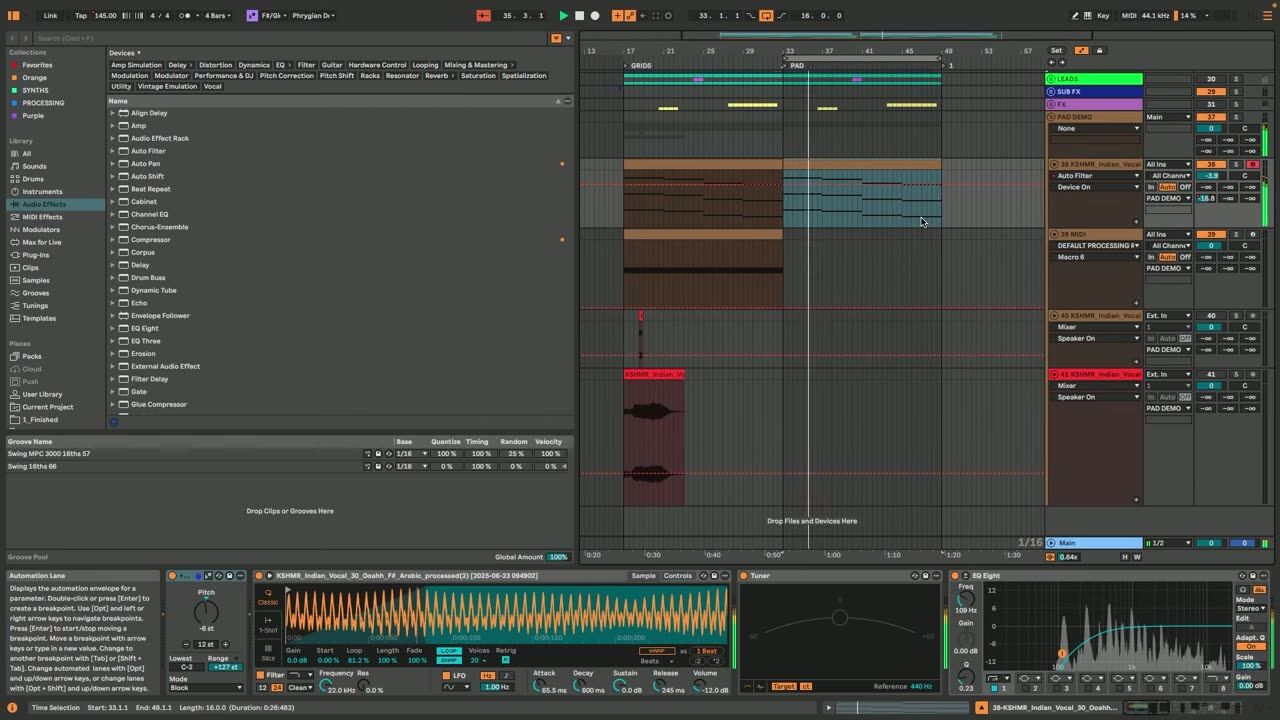
Drop a sample into Simpler and find a sustained section to loop. Set the loop points so the sound holds indefinitely when you hold a key, which is what turns a one-shot into a pad. A stable, evenly-textured section loops best.
The loop is the foundation. A clean loop gives you a pad that can hold under a whole section.
Warp and spread across the keys
▶ Play from 2:30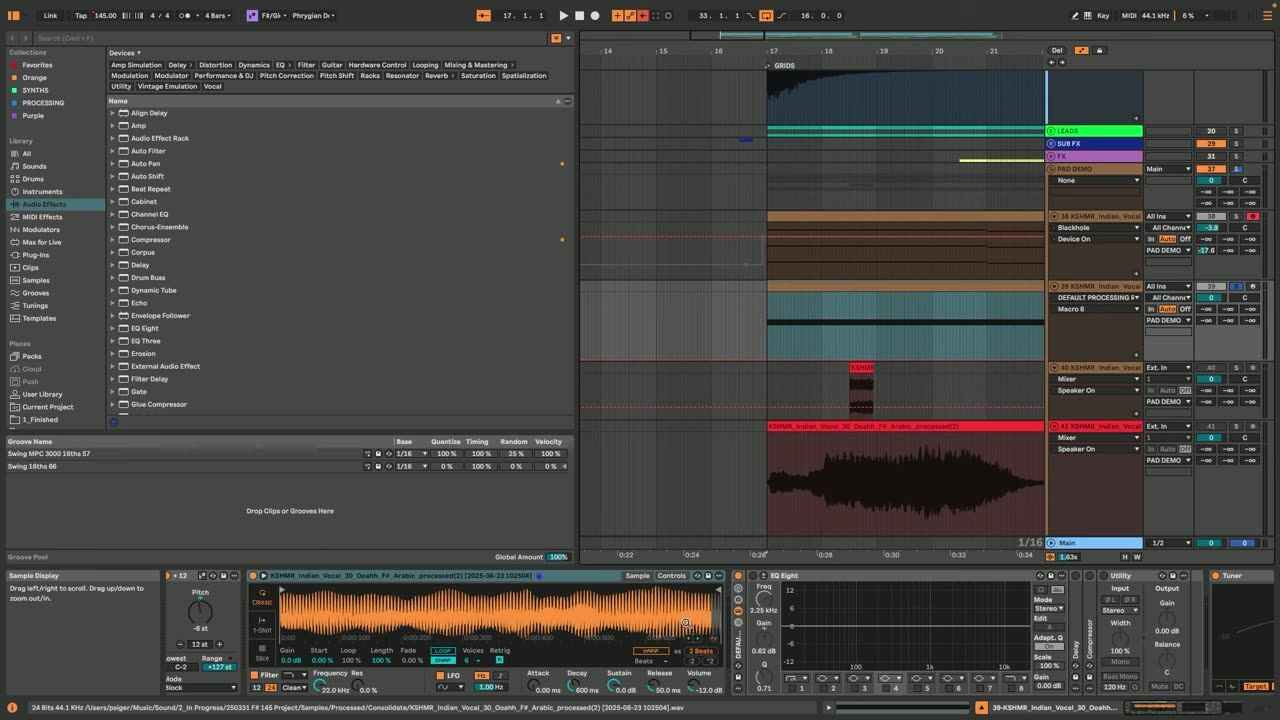
Use Simpler warp modes so the sample can be pitched and stretched without artefacts, then play it across the keyboard to create chords and melodies. Different warp modes suit different material, so pick the one that keeps the sound smooth.
Now the sample behaves like a real instrument you can write parts with.
Add movement and depth
▶ Play from 5:00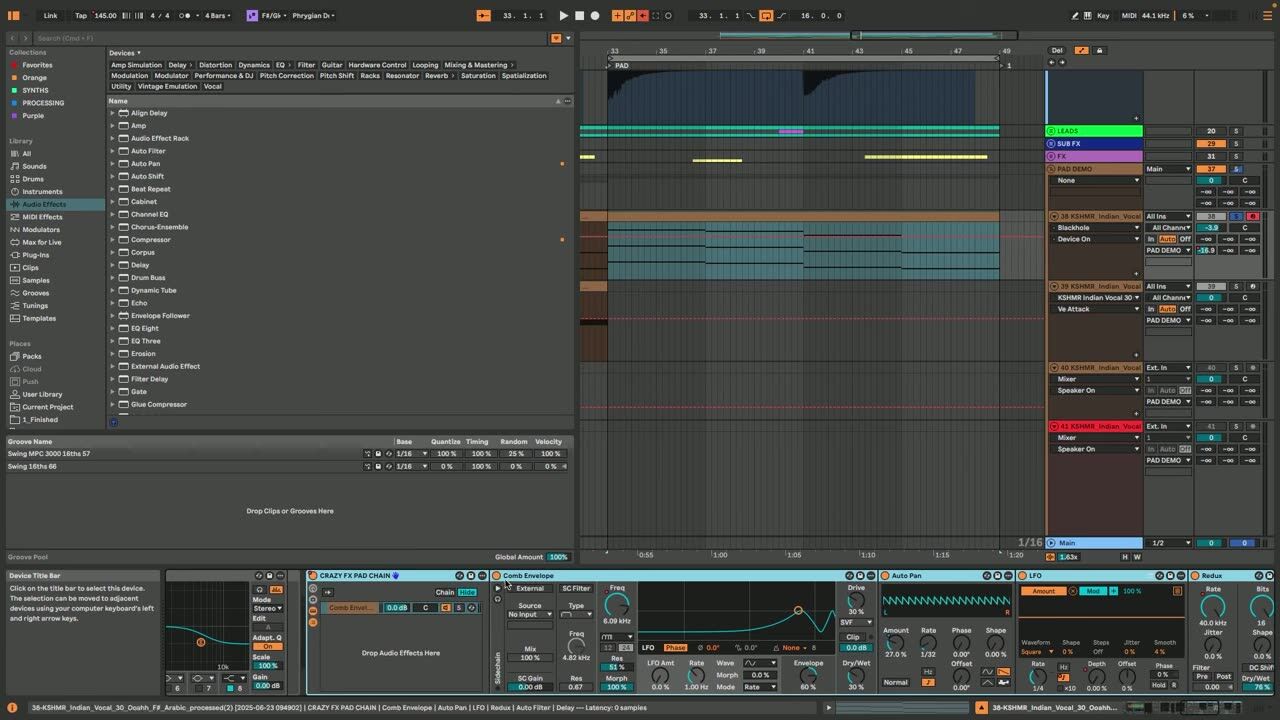
Finish with movement: slow modulation, chorus, reverb and subtle filtering give the pad depth and stop it sounding static. These are the same tricks used to make loops feel infinite, applied to a played instrument.
A little movement turns a flat sampled pad into a lush, evolving atmosphere.
Psytrance production FAQ
How do I make a pad from a sample in Ableton?
Which sounds work best as sampled pads?
How do I stop a sampled pad from sounding static?
Coaching helps you build a personal sound from everyday samples instead of stock presets.
See how the Blueprint works