Realistic Sitar for Psytrance in UVI
Watch the full breakdown
A sitar adds instant psychedelic, eastern flavour to psytrance, but a sampled sitar can sound stiff and fake if you just play notes into it. The trick is articulation and movement: vibrato, tremolo, delay and humanisation make it breathe like a real instrument.
In the video Psiger uses UVI Worldsuite to build a realistic, expressive sitar. Here are the steps.
- Choose the right sitar articulation for the part before shaping anything.
- Write idiomatically, using the scales and slides a sitar is known for.
- Vibrato and tremolo make a sampled sitar sound alive rather than robotic.
- Delay adds space and a hypnotic feel.
- Humanise timing and velocity, and layer the sitar, to sell a real performance.
Grab a grid-ready bank of psytrance one-shots and loops to build organic parts around.
Download the free Mini Sample BankSelect the instrument
▶ Play from 0:31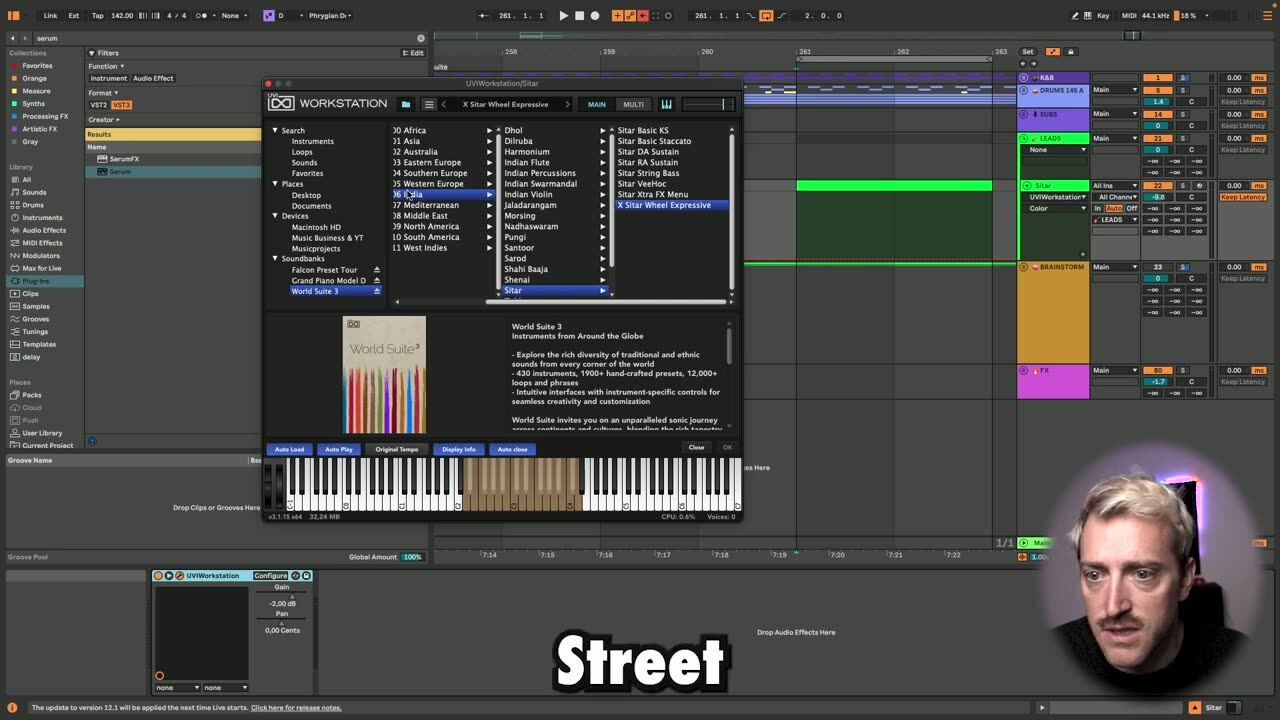
Start by choosing the right sitar patch in UVI Worldsuite. Sampled libraries usually offer multiple articulations, so pick one that suits the part, sustained for melodies, plucked for rhythmic lines. The right starting patch saves a lot of tweaking later.
Match the articulation to what the part needs before shaping anything.
Notes and processing
▶ Play from 1:08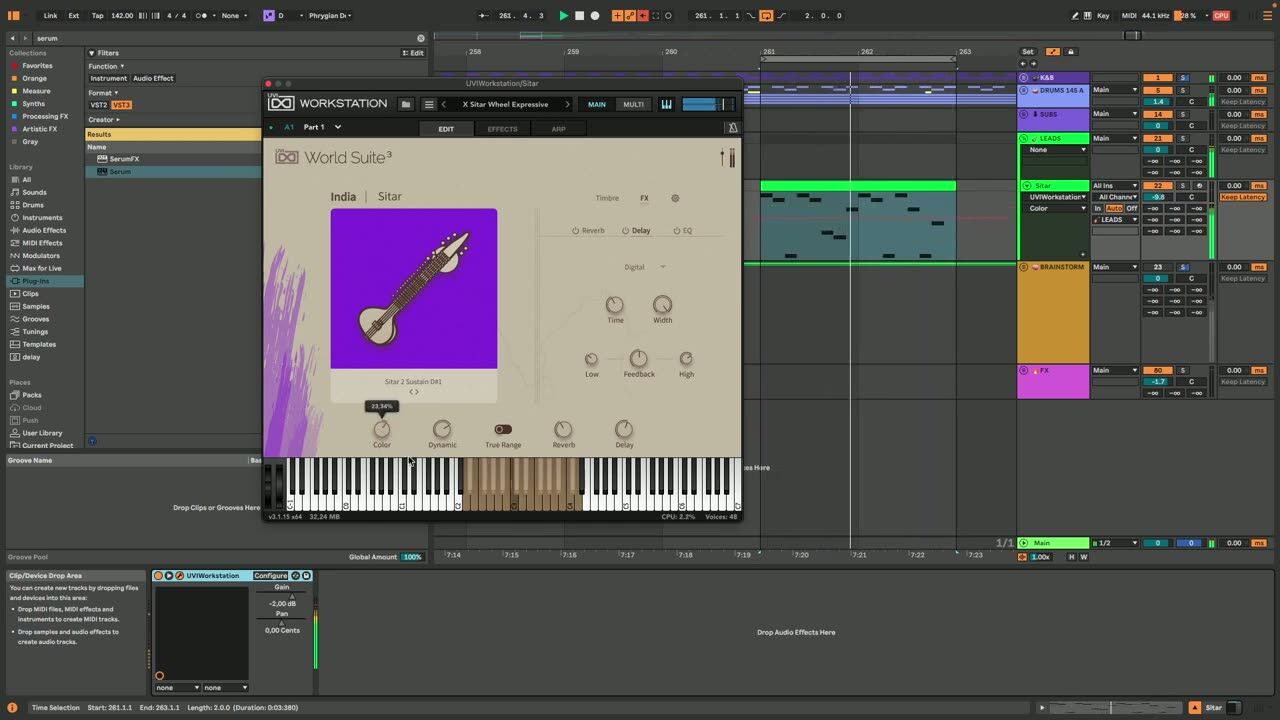
Play notes that suit a sitar, using the scales and slides the instrument is known for, then process the sound to sit in the mix. EQ and effects place the sitar in the track without it sounding pasted on top.
Write for the instrument, not just any melody, so it sounds idiomatic.
Vibrato and tremolo
▶ Play from 8:05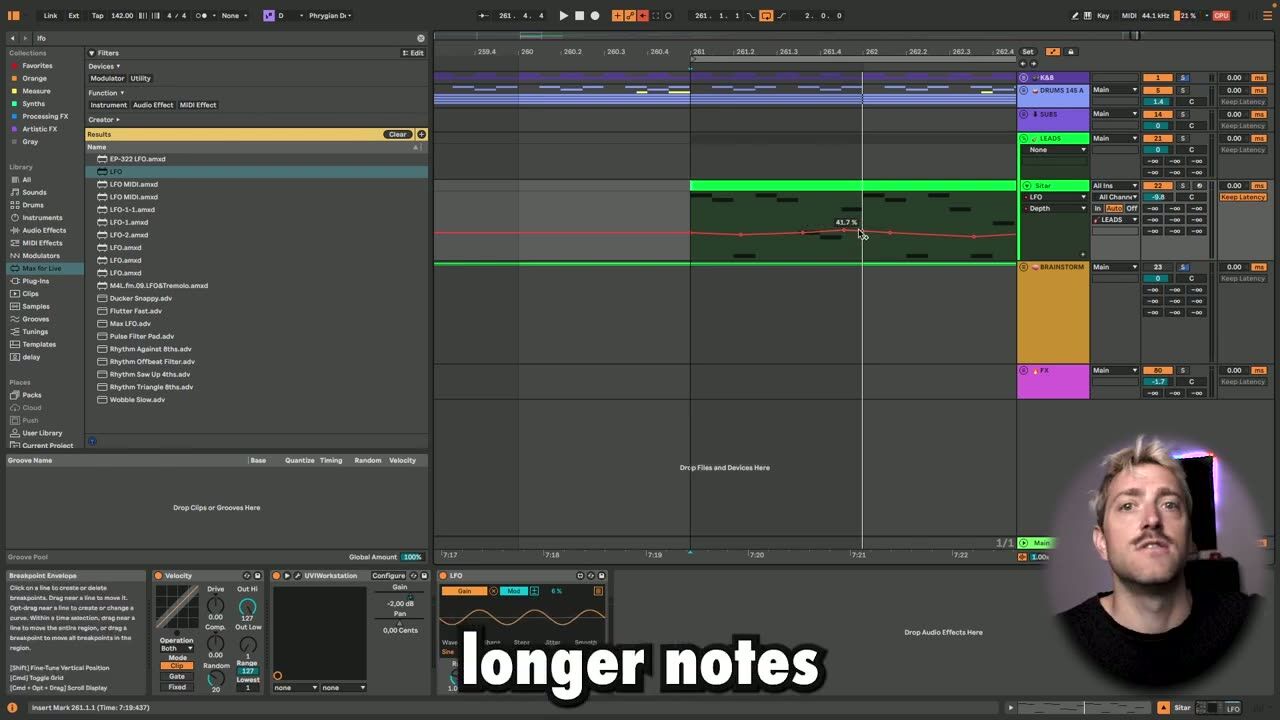
Vibrato and tremolo are what make a sampled sitar sound alive. Adding pitch vibrato on held notes and tremolo for movement mimics how a real player performs, turning static samples into an expressive line.
These articulations are the difference between real and robotic.
Delay, humanisation and layering
▶ Play from 14:24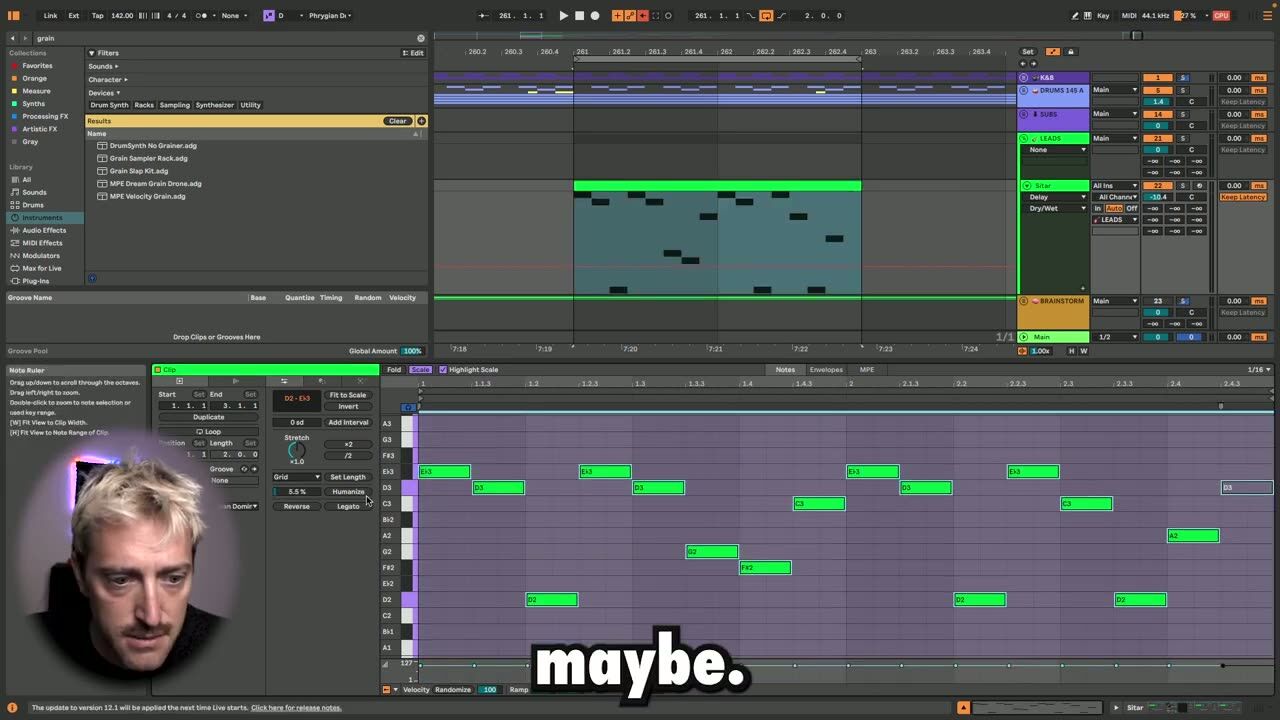
Add delay for space and a hypnotic feel, humanise the timing and velocity so it does not sound quantised, and layer the sitar with other elements for a fuller sound. Small timing and velocity variations trick the ear into hearing a real performance.
Humanisation and layering are the final touches that sell the sitar.
Psytrance production FAQ
How do I make a sampled sitar sound realistic?
Why does my sampled instrument sound robotic?
What effects suit a psytrance sitar?
Coaching helps you use world instruments for flavour without derailing the track.
See how the Blueprint works