Crawling Sample-and-Hold Bleeps in Serum
Watch the full breakdown
Those crawling, chattering bleeps that skitter around the top of a full-on track are not a preset you buy, they are a sample-and-hold trick. You take an aggressive source sound and let a stepped random modulator chop it into a stream of pitched blips.
In the video Psiger samples a sweep straight into Serum, sharpens it into something with bite, then uses sample-and-hold to turn it into that random note output. Below is the workflow broken into its four moves.
- Start from a sampled sweep, not a clean synth wave. The messy harmonics make a better texture.
- Distort and filter the source aggressively so the bleeps survive a busy full-on mix.
- Sample-and-hold is a stepped random modulator. Route it to pitch to get the crawling, random note jumps.
- Set the sample-and-hold rate to a musical division so the chatter locks to the grid.
- Record the output to audio so you can chop and rearrange the best bits.
Grab a free Serum patch built for movement and morph it straight from the macros.
Download the free vox Serum patchSample a sweep into Serum
▶ Play from 0:17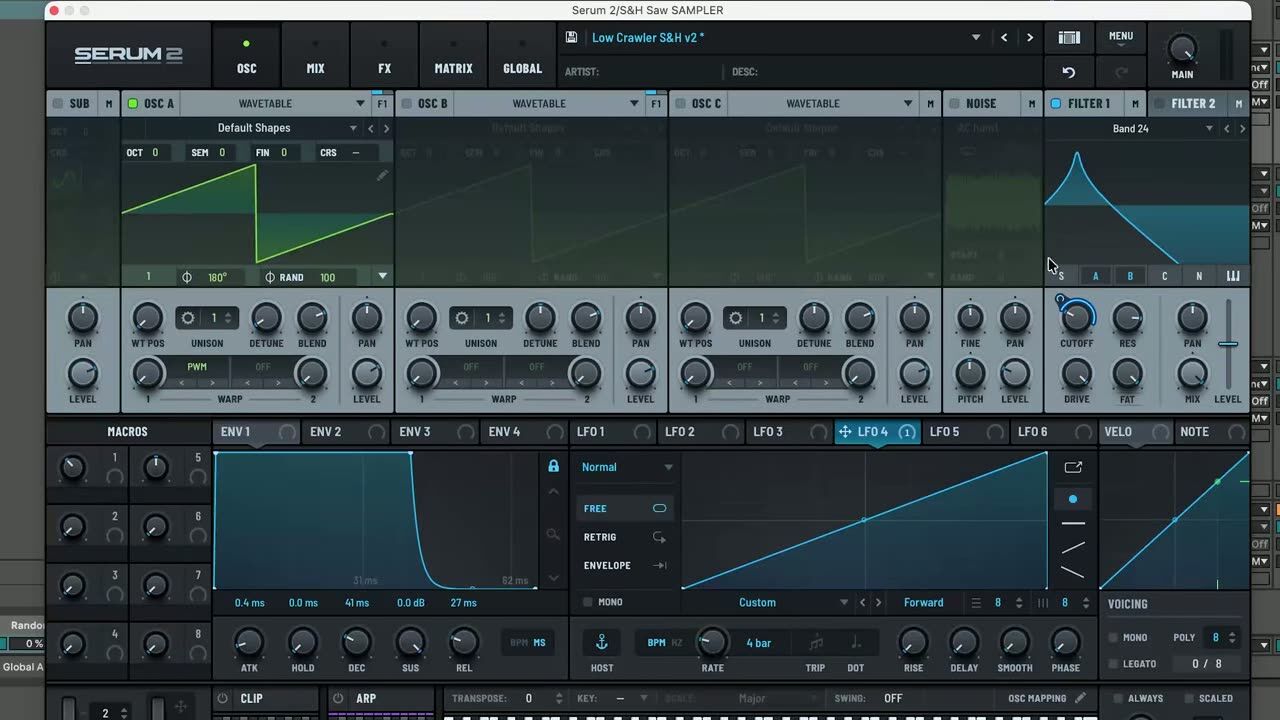
The source is a sweep dragged straight into Serum as a sample. Starting from a real recorded sweep gives you harmonic content that is messier and more interesting than a clean synth wave, which is exactly what you want for a gritty background texture.
Any riser or sweep works. You are not after the sweep itself, you are after the raw material it gives Serum to chop up.
Shape an aggressive source sound
▶ Play from 0:29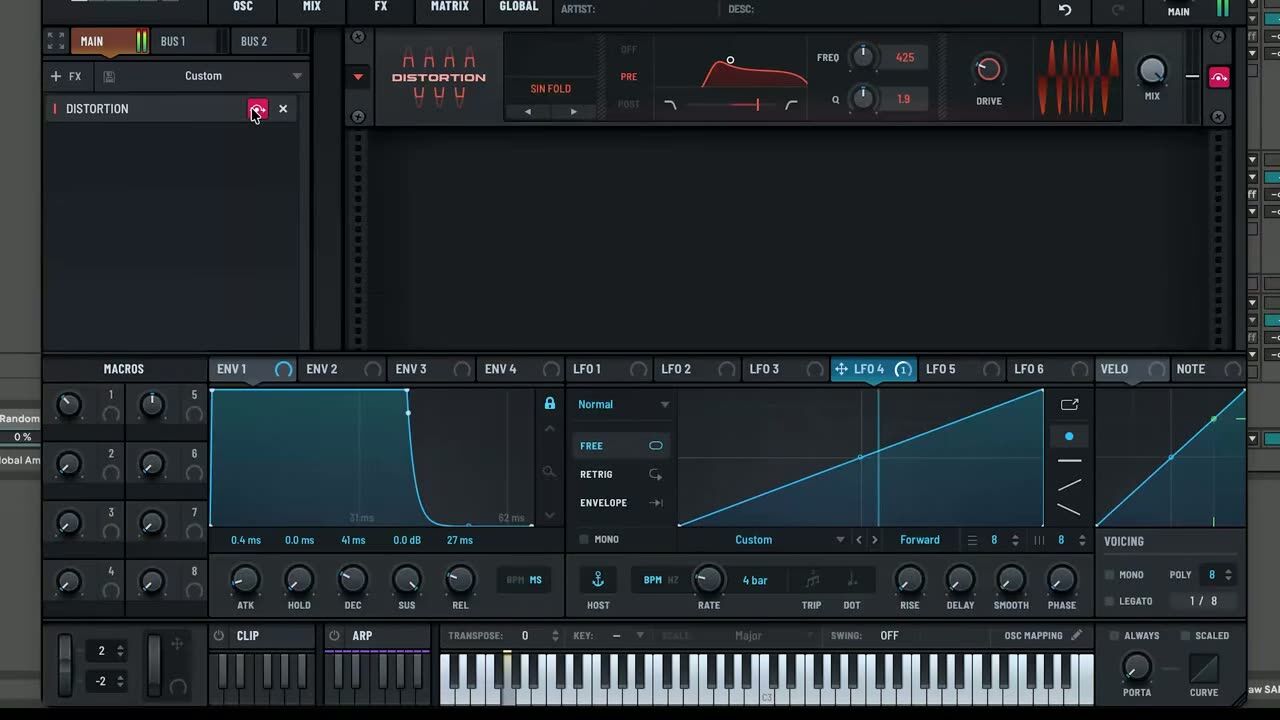
Before you gate it, push the source into something aggressive. Drive, distortion and filtering give the sound enough edge that the individual bleeps cut through a busy mix instead of getting buried.
The rule here: if the raw sound is polite, the bleeps will be inaudible once the kick, bass and leads are playing. Make it too much on its own so it survives the mix.
Build the sample-and-hold patch
▶ Play from 1:39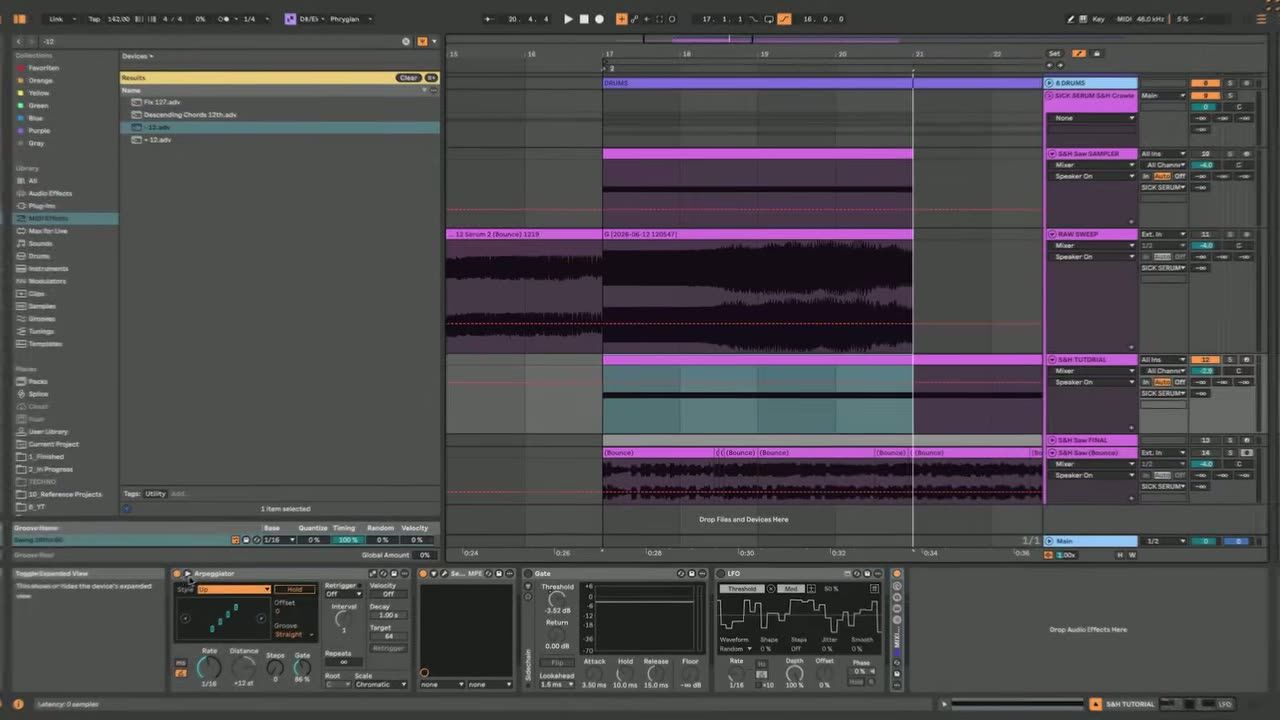
Sample-and-hold is a stepped random modulator: it grabs a new random value at a set rate and holds it until the next step. Route it to pitch and the sound jumps to a new note on every step, which is what creates the crawling, unpredictable movement.
Set the rate to a musical division so the bleeps lock to the grid, then let the randomness do the rest. This is the heart of the whole sound.
Chopped note output and recording
▶ Play from 1:45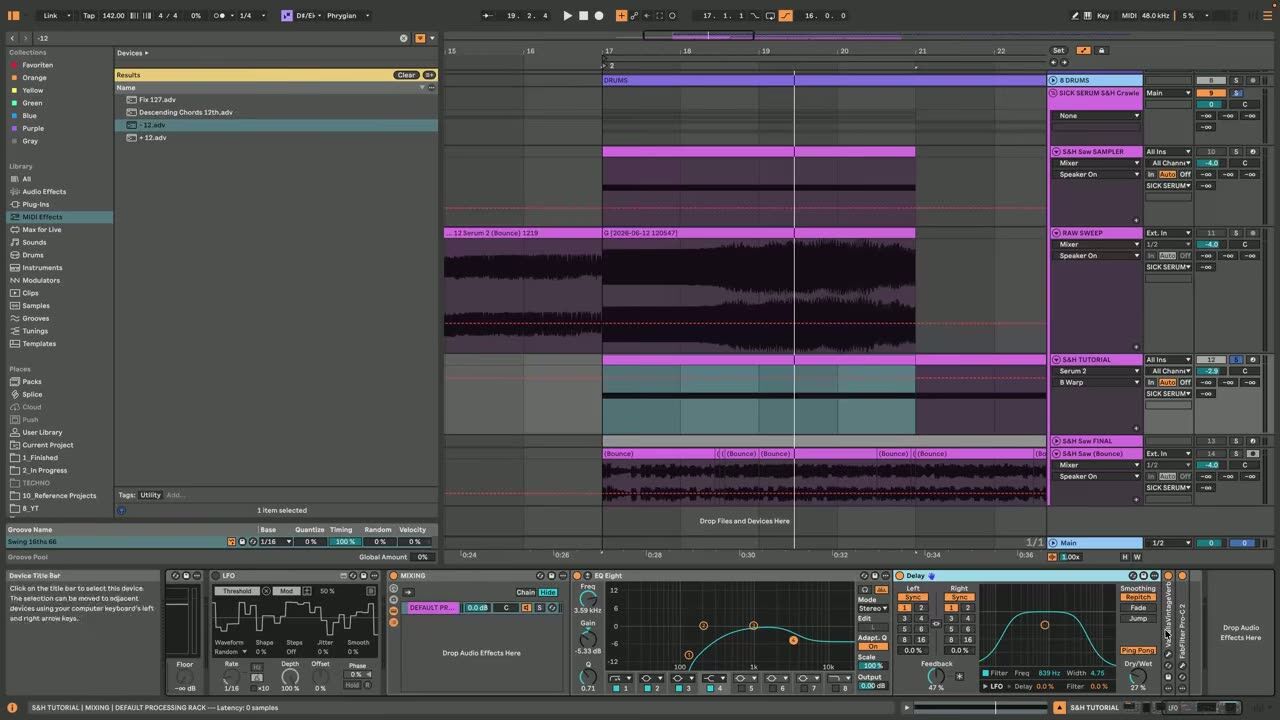
With sample-and-hold driving the pitch, the output is a stream of chopped, randomly-pitched notes. Record that to audio so you can chop, reverse and rearrange the best sections rather than leaving it fully random forever.
Printing it also lets you commit the CPU-heavy modulation and treat the result like any other sample in the arrangement.
Psytrance production FAQ
What is sample-and-hold in a synth?
How do I keep the bleeps from getting lost in the mix?
Should I keep the bleeps fully random?
Coaching helps you place texture FX like these so they add energy to a transition instead of cluttering the mix.
See how the Blueprint works