Acid Sequencer Rack for Ableton (303 Style)
Watch the full breakdown
Classic 303 acid lines are all about the sequencer: glide between notes, accents that open the filter, and rests that create rhythm. A custom Ableton acid rack, built on Operator, Wavetable and Analog, gives you that retro sound with modern flexibility.
In the video Psiger and Virtual Light dig into the Happy Days acid rack and show how to program and shape acid basslines for acid techno, Goa and psytrance. Here are the key sections.
- The rack wraps a step sequencer around Ableton stock synths for an editable 303 engine.
- Set glide per step to get the sliding acid movement between notes.
- Use accents and velocity to open the filter on chosen steps so the line bounces.
- Program rests and varied step lengths for space and polyrhythmic patterns.
- Shape tone with analog or digital distortion, then layer and spread for thickness.
Grab a free Virtual Light rack so you can start sequencing this style of sound in your own Ableton.
Get the free Virtual Light Ableton rackThe acid rack overview
▶ Play from 0:00
The rack is built around a step sequencer driving Ableton stock synths, so you get a 303-style acid engine that is fully editable. Everything that defines an acid line, glide, accent, filter movement, is a control on the rack.
Starting from a purpose-built rack means you spend your time programming the line, not wiring up the sound.
The control sequencer and glide
▶ Play from 2:00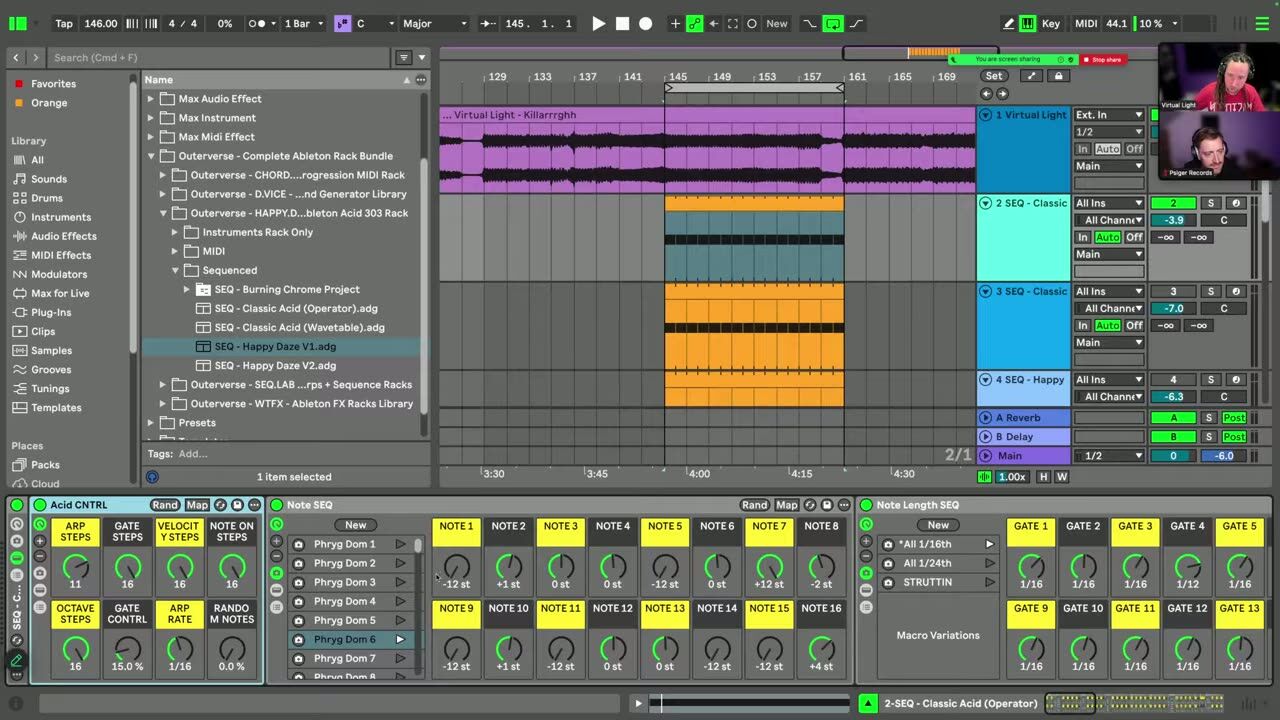
The sequencer lets you set glide per step, so notes slide into each other exactly where you want, which is the heart of the acid sound. Program the glide to create that liquid, sliding movement between certain notes.
Glide placement is what turns a stiff sequence into a proper acid line.
Velocity modulation and filter accents
▶ Play from 4:00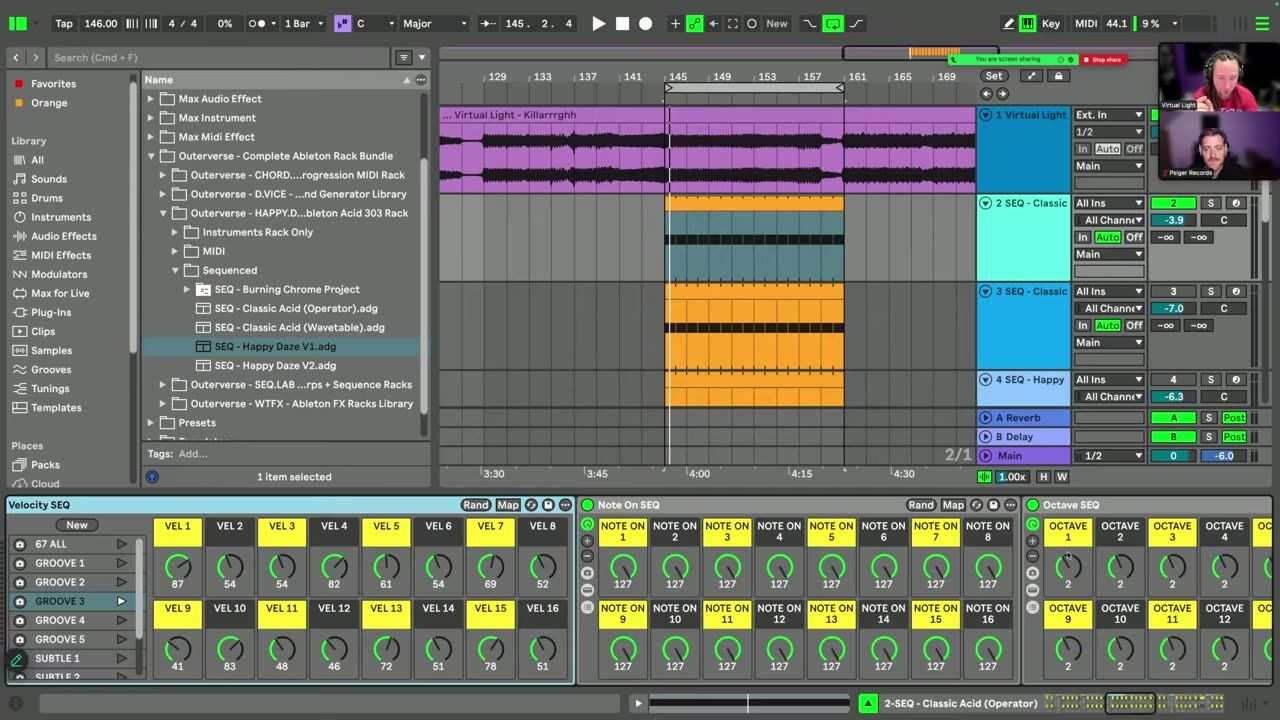
Accents drive the filter: louder, accented steps open the cutoff further so the line bounces and talks. Use velocity modulation to place accents deliberately rather than evenly, and the pattern comes alive.
This per-step filter accent is the same trick behind every good 303 line.
Rests and polyrhythmic patterns
▶ Play from 7:00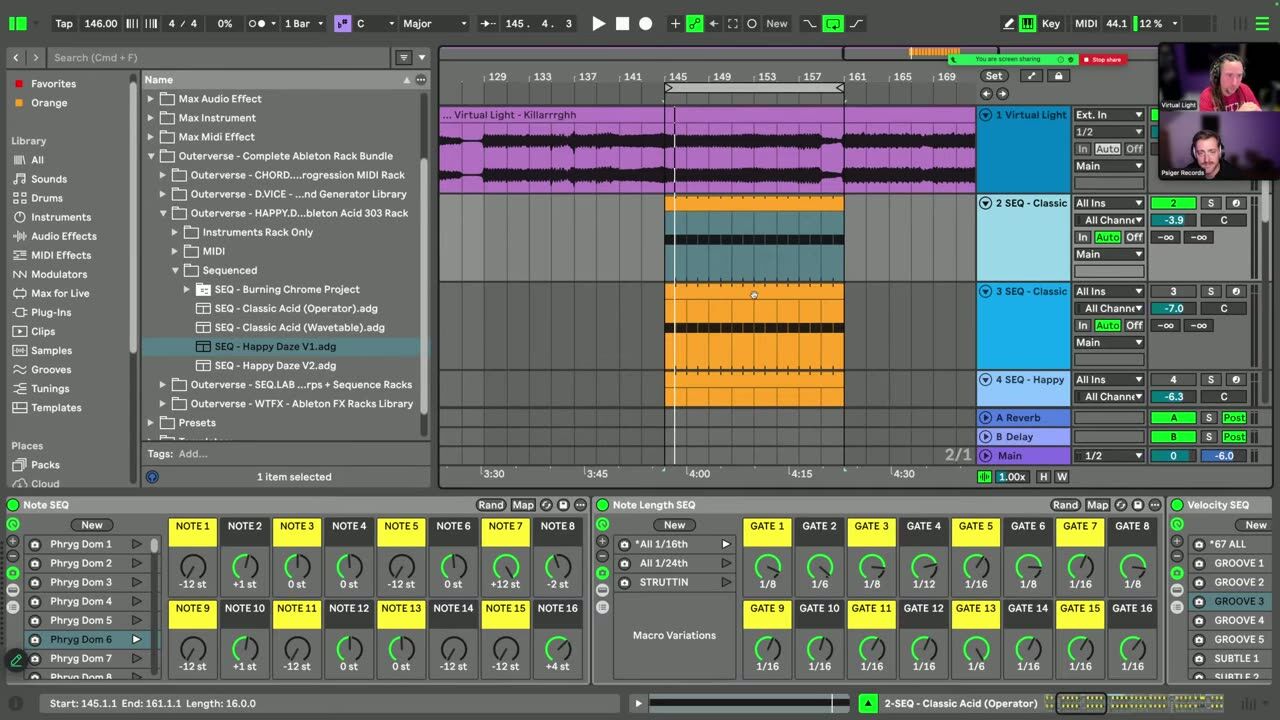
Program rests to leave gaps, and use different step lengths to create polyrhythmic patterns that evolve against the beat. Space and rhythmic variation stop the acid line from feeling like a constant stream.
The rests are as important as the notes for making the line groove.
Distortion and tone shaping
▶ Play from 11:00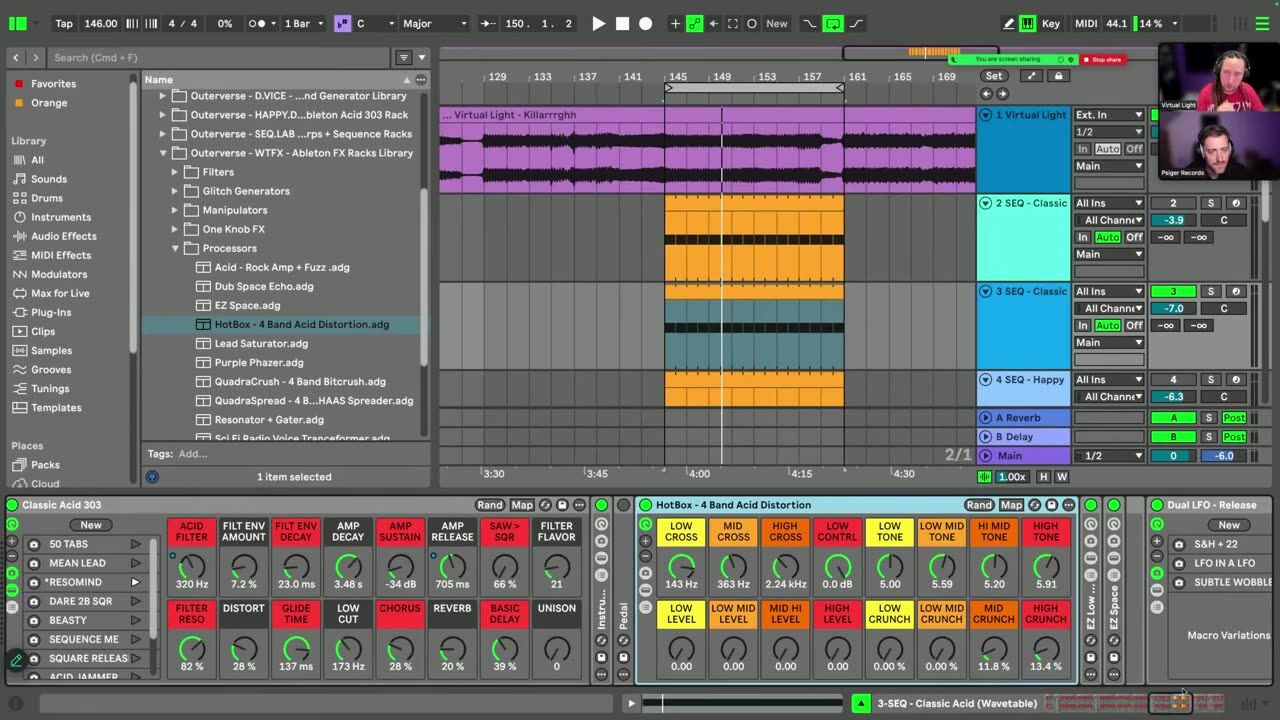
Different distortion types, analog and digital, shape the tone from smooth to biting. Layering synths and adding stereo spread thickens the sound. This is where you dial the acid line from vintage warmth to modern aggression.
Match the distortion character to the track: warmer for Goa, harder for full-on.
Psytrance production FAQ
How do I make a 303 acid line in Ableton without a 303 plugin?
What makes an acid line groove instead of drone?
What distortion should I use on an acid line?
Coaching helps you place an acid line so it drives the track rather than fighting the lead.
See how the Blueprint works