Ableton LFO Out of Sync: The Fix
Watch the full breakdown
If your sidechain-style movement or rhythmic modulation slowly drifts and your groove feels unstable, it might not be you. Ableton native LFO device can actually fall out of sync, a reproducible timing bug that throws off anything depending on tight sync.
In the video Psiger runs a simple test that exposes the LFO sync issue, explains why it happens, and shows a practical workaround you can use right now. Here it is.
- Ableton native LFO device can fall out of sync, a reproducible timing bug.
- The symptom is modulation that drifts off the grid over a long track.
- It affects sidechain-style pumping, rhythmic filter movement, anything sync-dependent.
- A simple test reproduces the drift so you can confirm it is the device, not you.
- The workaround locks modulation back to the grid so the groove stays tight.
Grab a ready-made Ableton FX rack and get rhythmic movement without fighting the native LFO.
Download the free Glitch FX rackThe problem: LFO drift
▶ Play from 0:00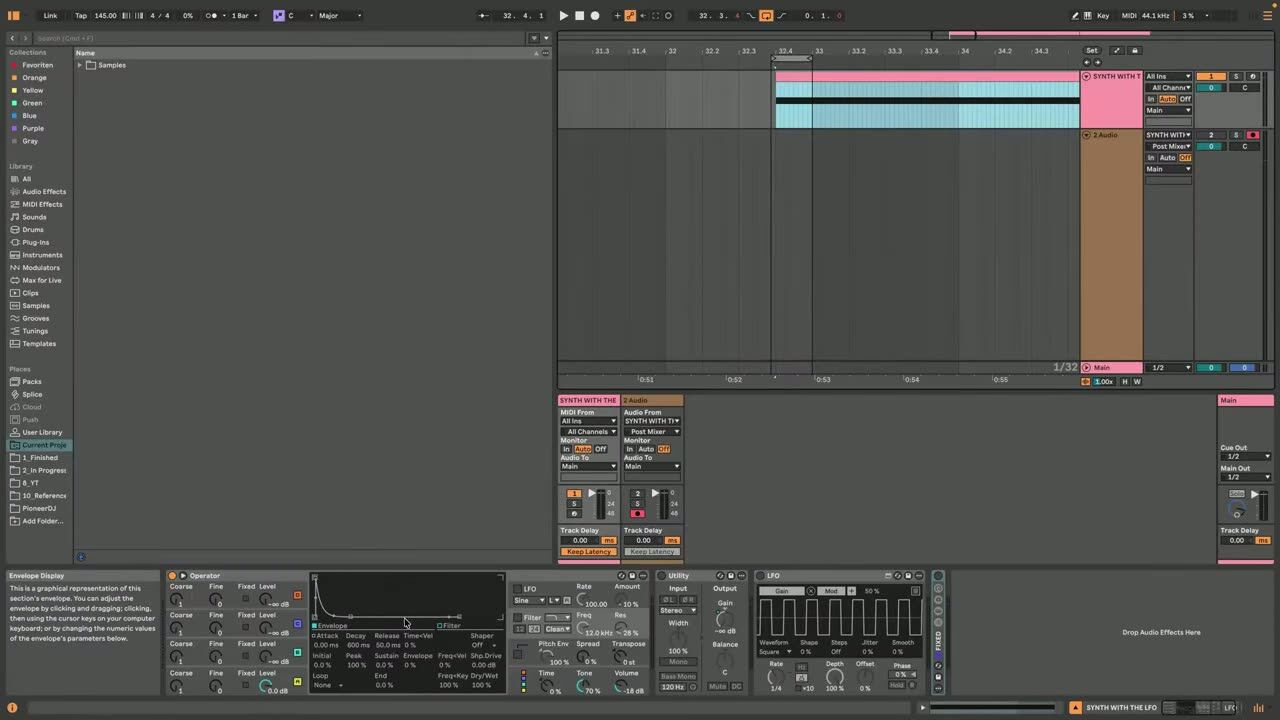
Modulation that should stay locked to the grid, sidechain pumping, rhythmic filter movement, can slowly drift over time when driven by Ableton LFO device. Over a long track that drift is enough to make the groove feel loose and unstable without an obvious cause.
Knowing the device itself can be the culprit saves you hours of blaming your own timing.
The demo: proving it drifts
▶ Play from 2:45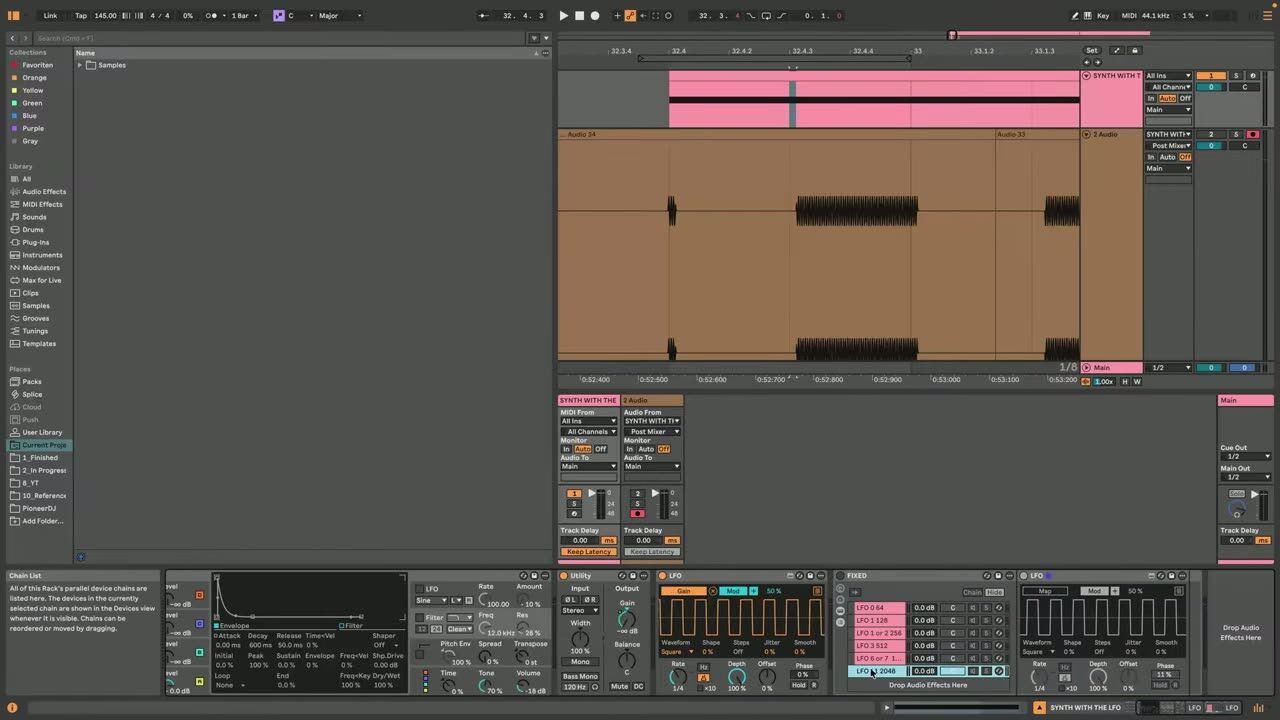
A simple, reproducible test exposes the bug. Set up the LFO to modulate something rhythmic and watch it slide out of alignment with the grid over time. Seeing it happen removes the doubt: this is a real timing issue in the device, not a mistake in your project.
Reproduce it yourself so you can recognise the symptom in your own tracks.
The fix: a reliable workaround
▶ Play from 3:46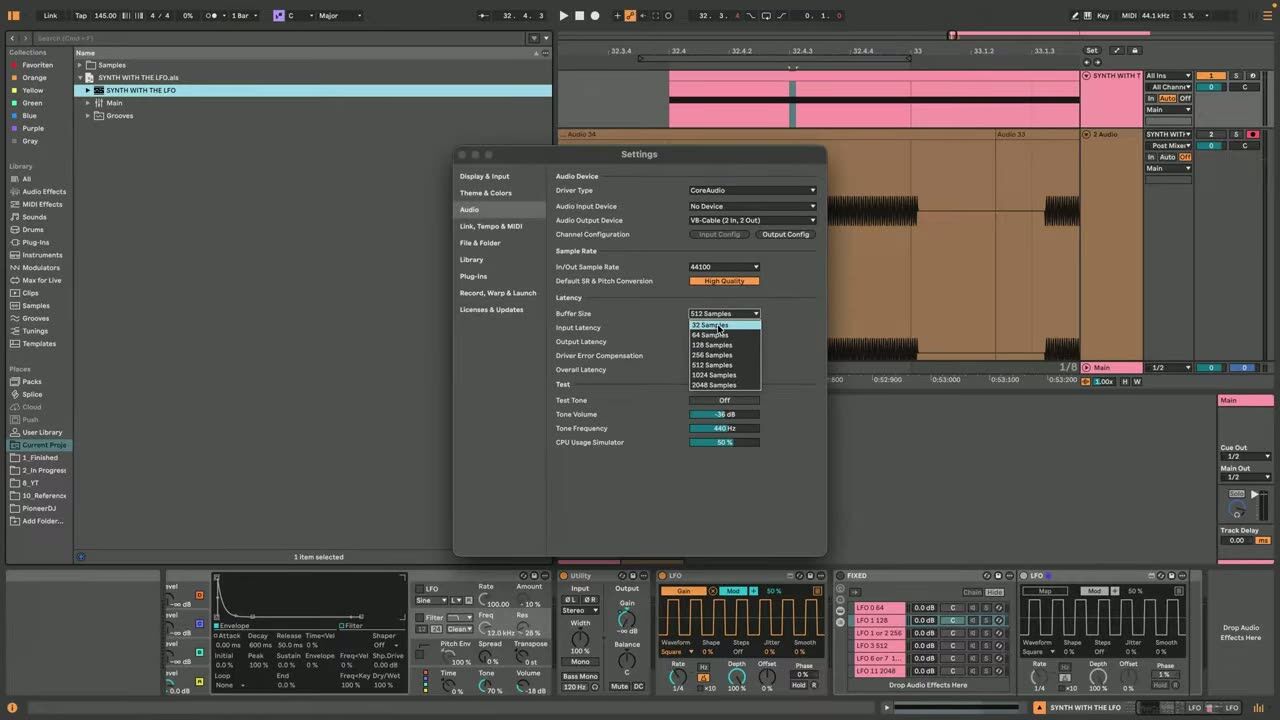
The workaround gets your modulation locked back to the grid so it stays tight for the whole track. Use it wherever you rely on the LFO for sync-critical movement, and your groove stops drifting.
It is a practical fix you can apply immediately, no waiting on a plugin update.
Psytrance production FAQ
Why does my Ableton LFO drift out of sync?
How do I know if the LFO is the problem?
Can I fix the LFO sync issue without updating Ableton?
Coaching helps you spot when the tool is the problem, so you stop second-guessing your own workflow.
See how the Blueprint works